Ergoplay
It changes from a low gaming grip into a taller ergonomic shape, and it charges itself every time you make the switch.
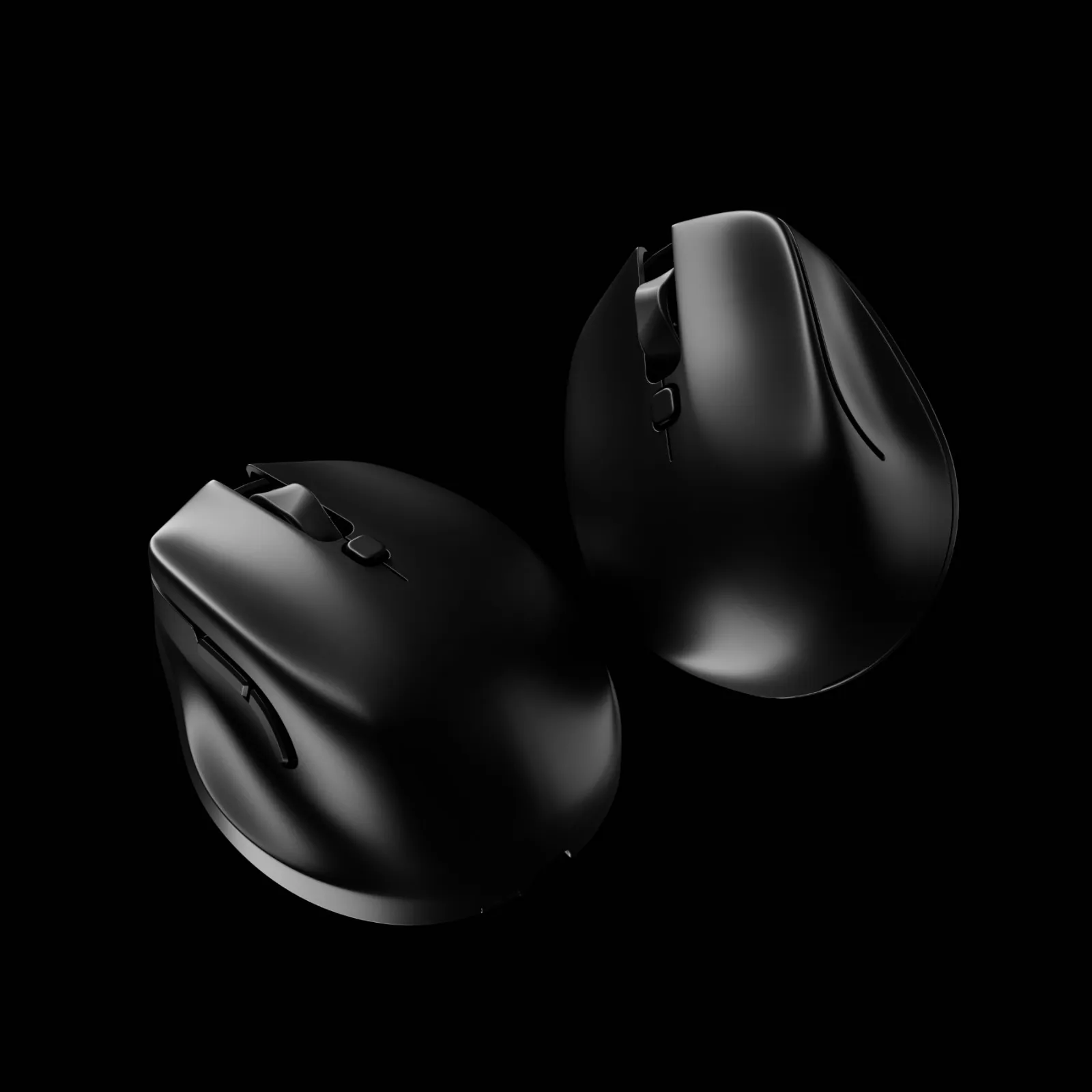
Could one mouse be quick enough for gaming and still be comfortable after a full day of work?
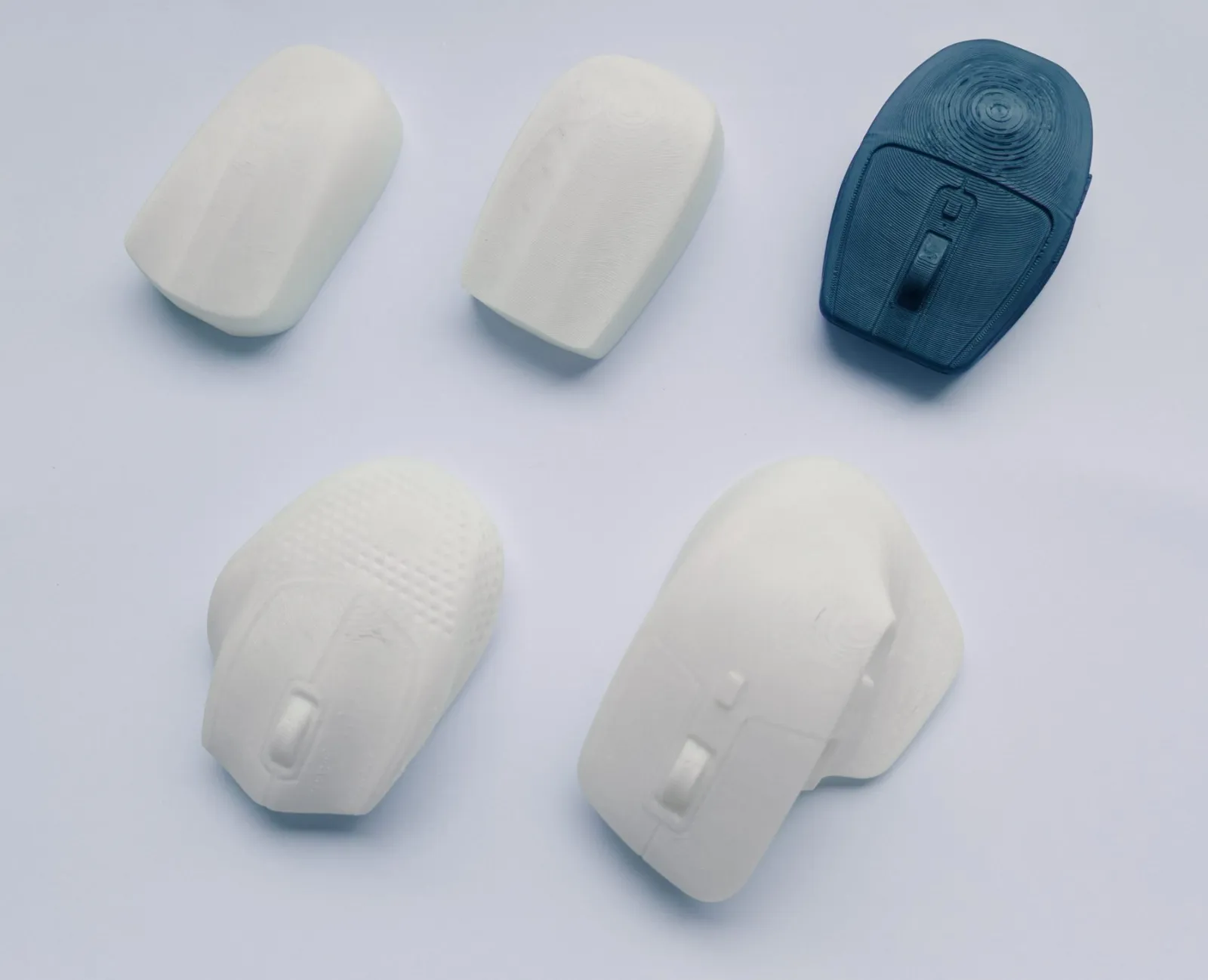
One mouse changes shape instead, so you are not buying two of them and keeping two sets of batteries alive.
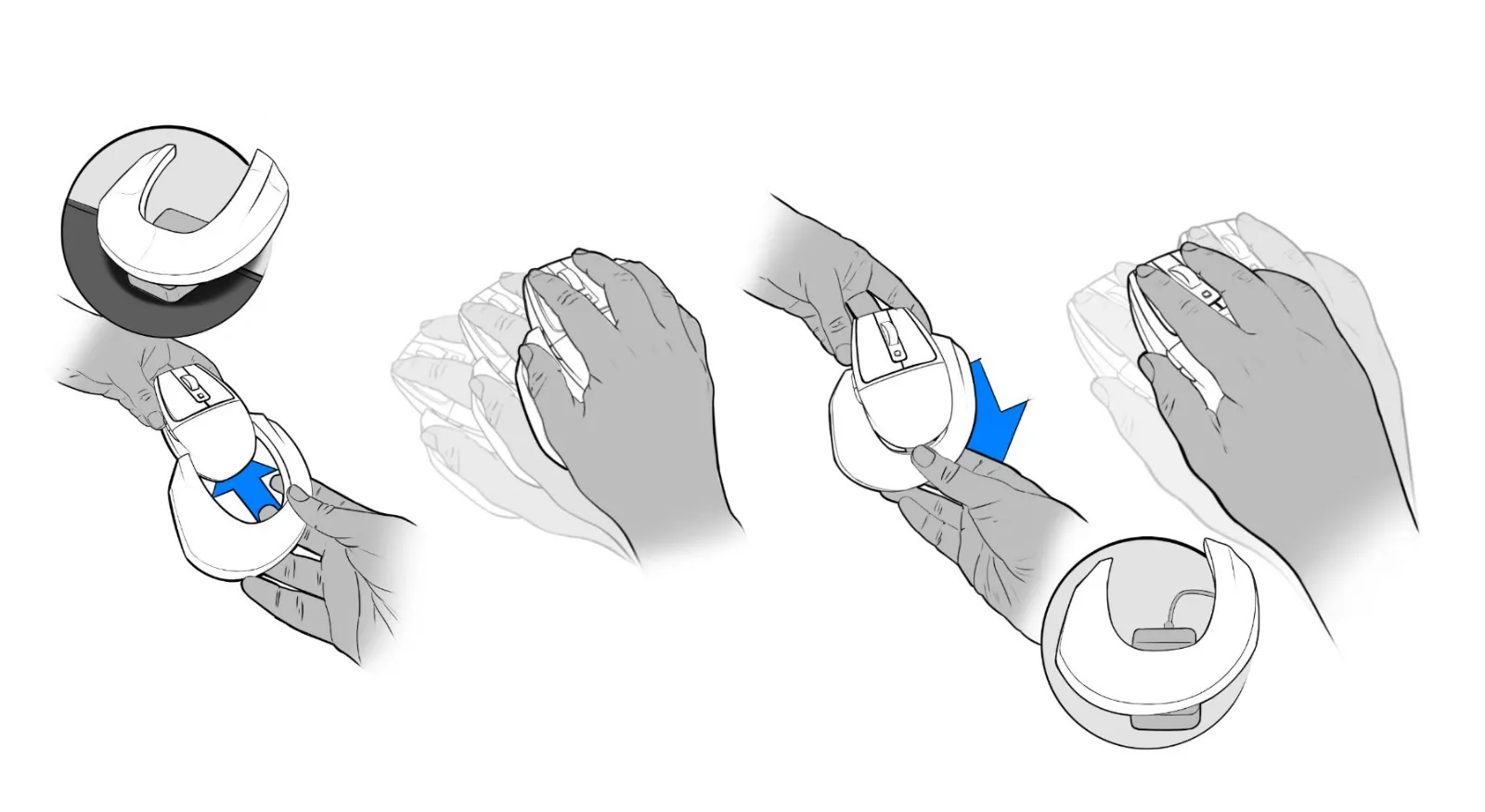
The ergo grip carries charge from the dock into the mouse, so changing shape never means stopping to plug in.
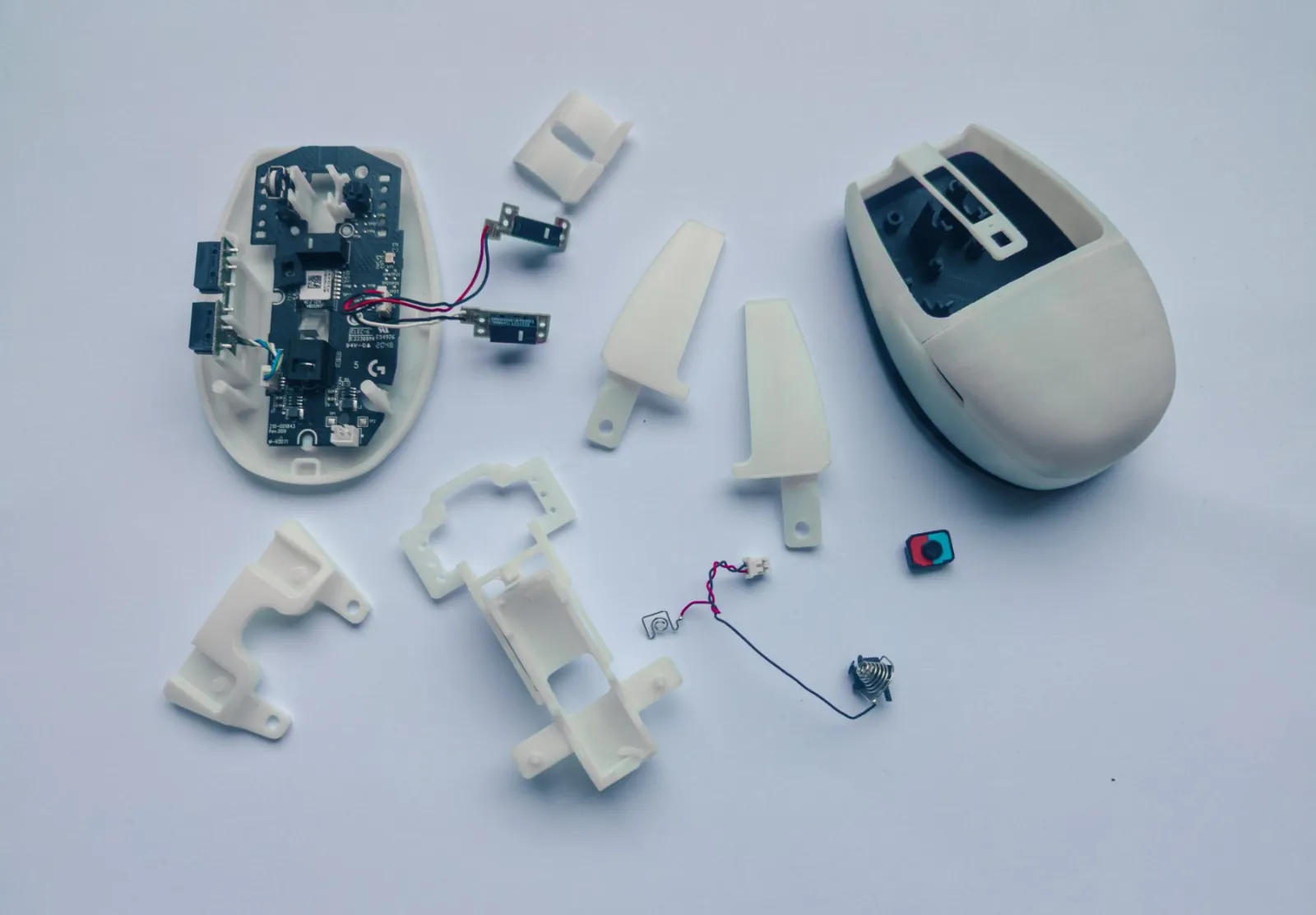
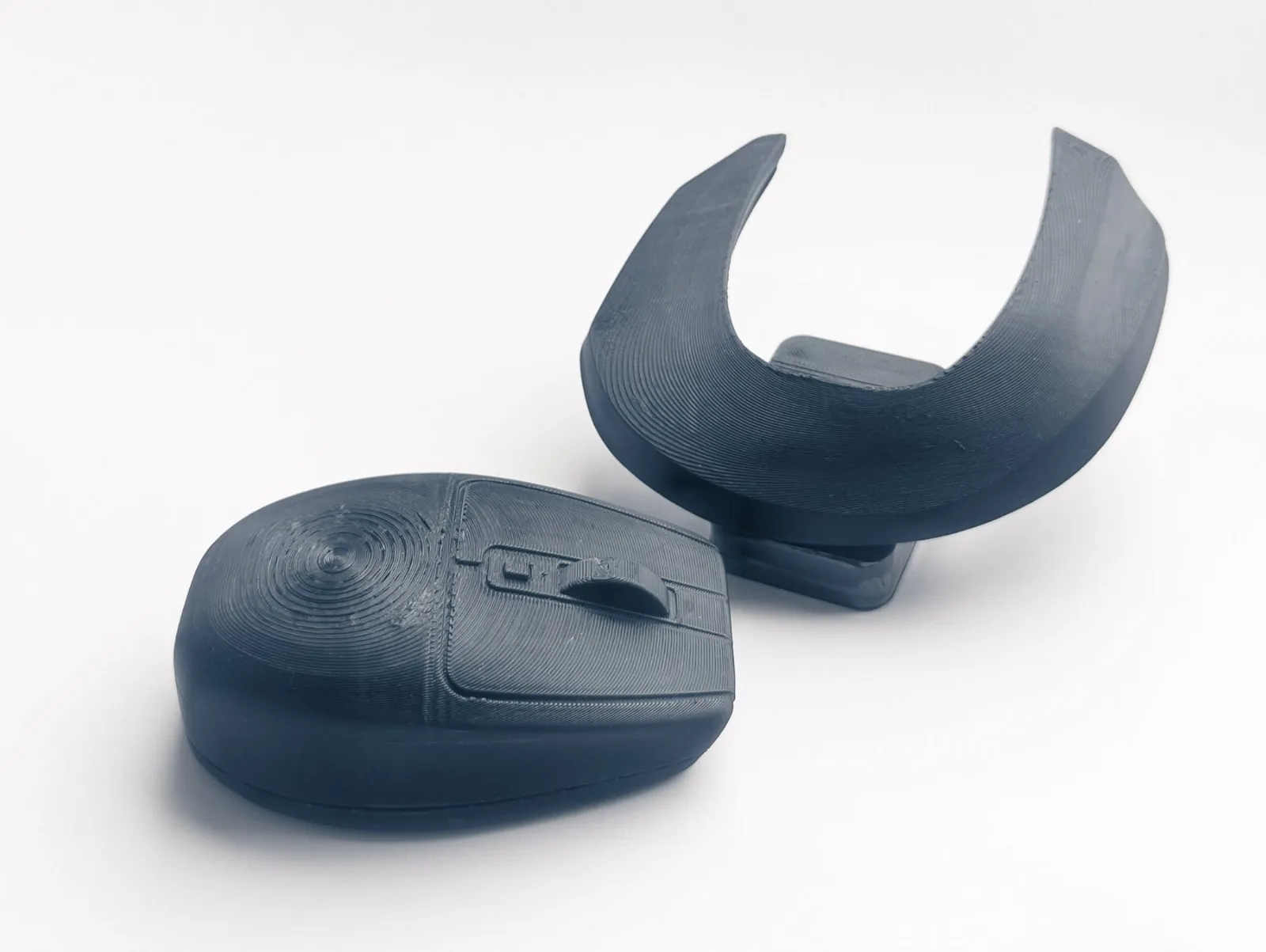
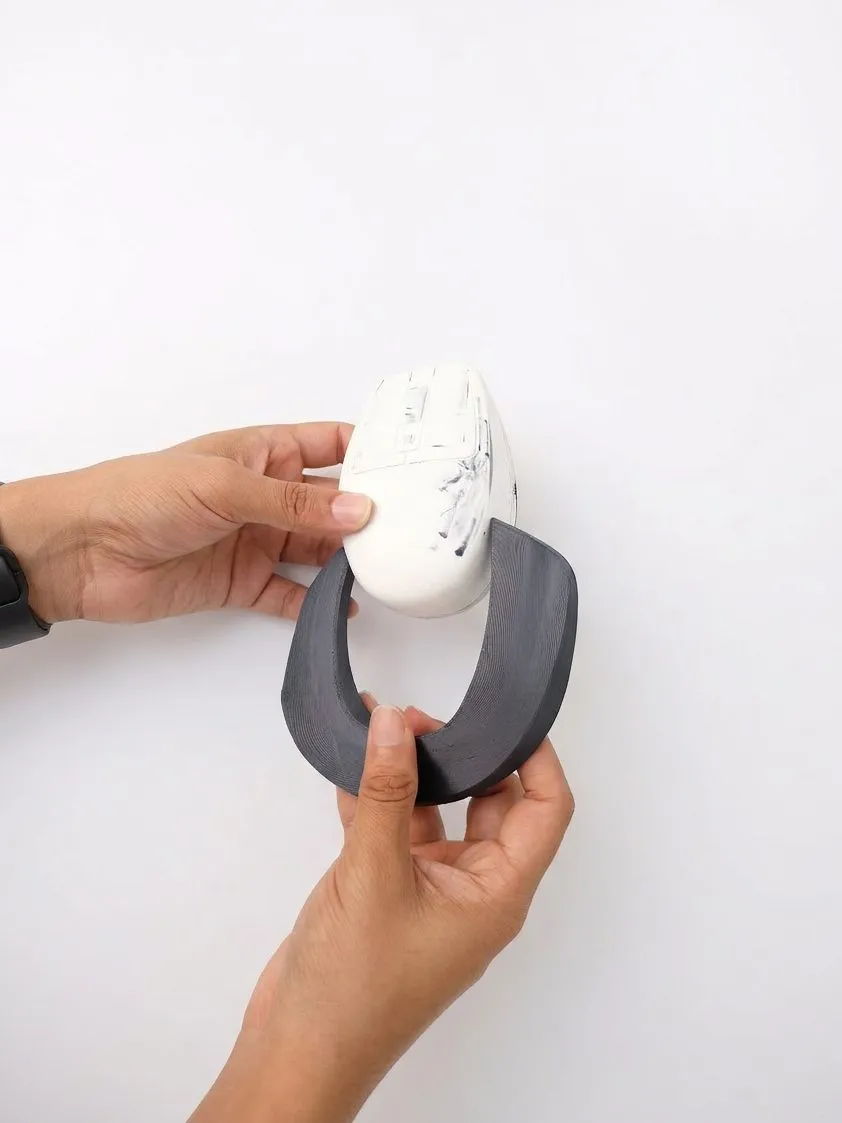
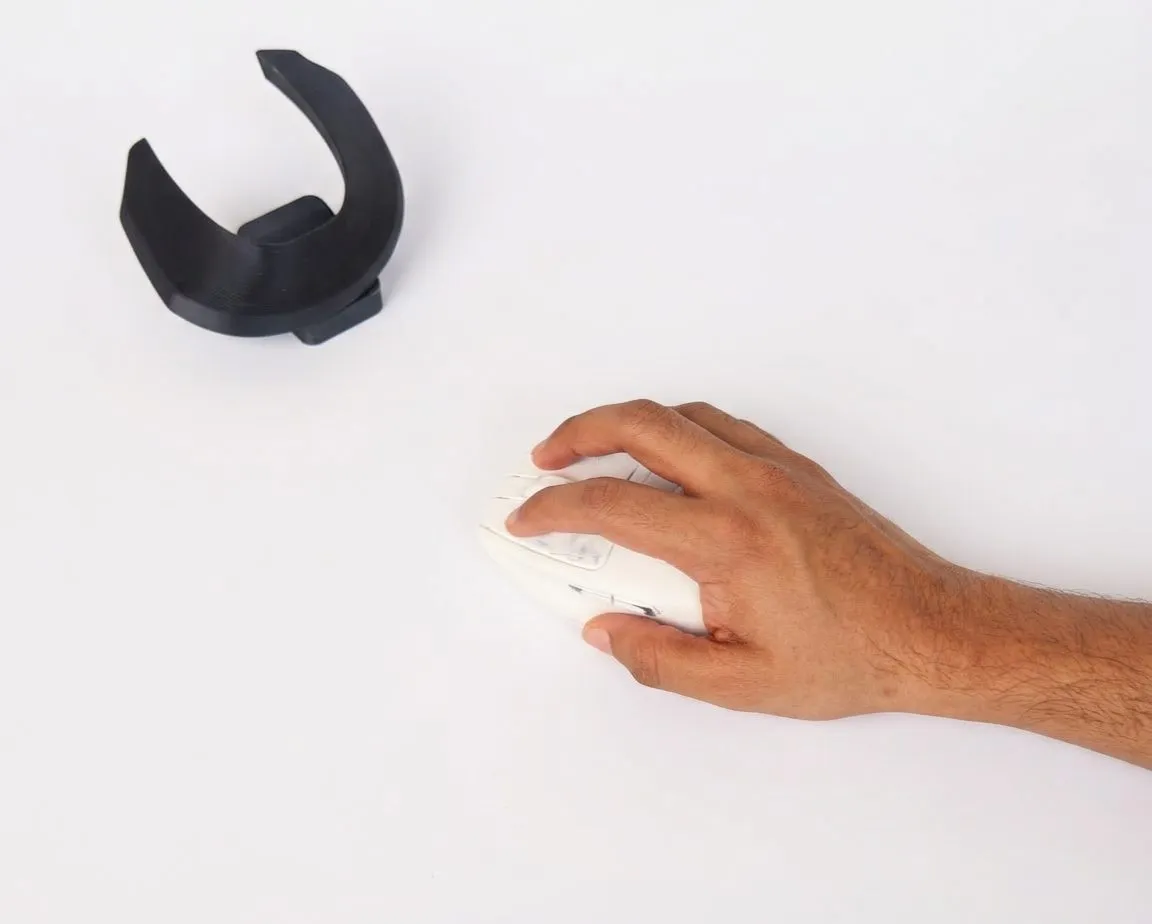
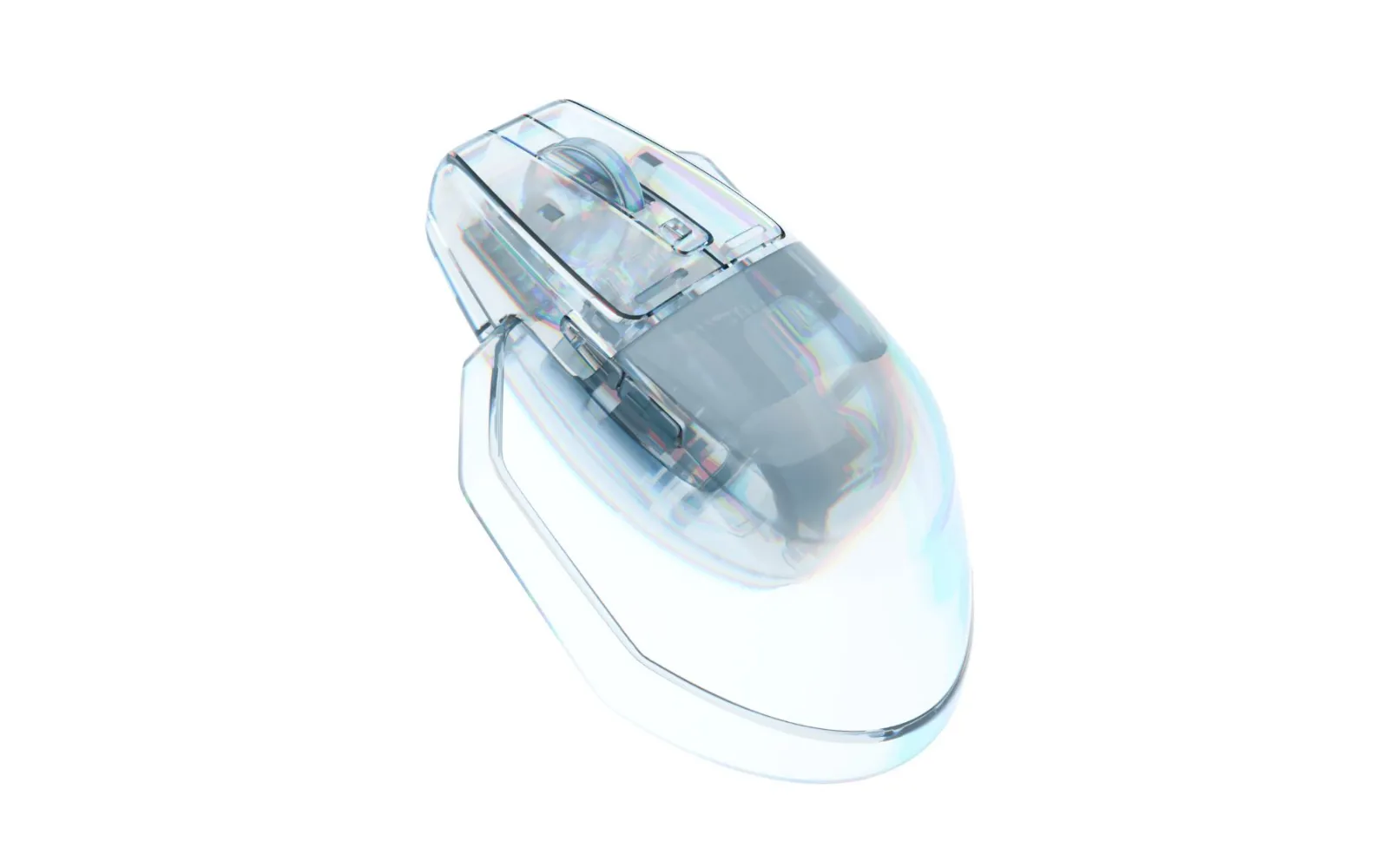
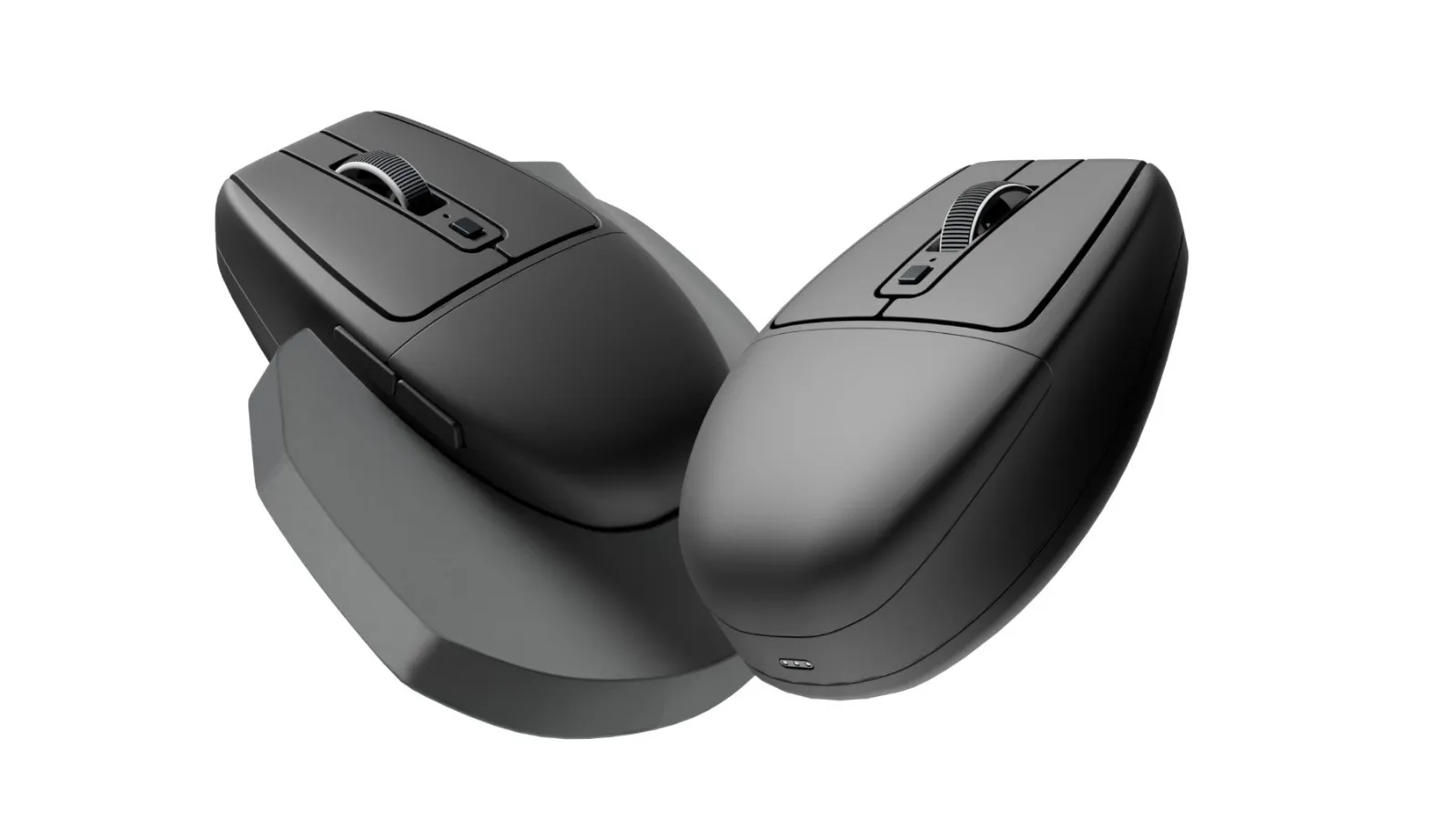
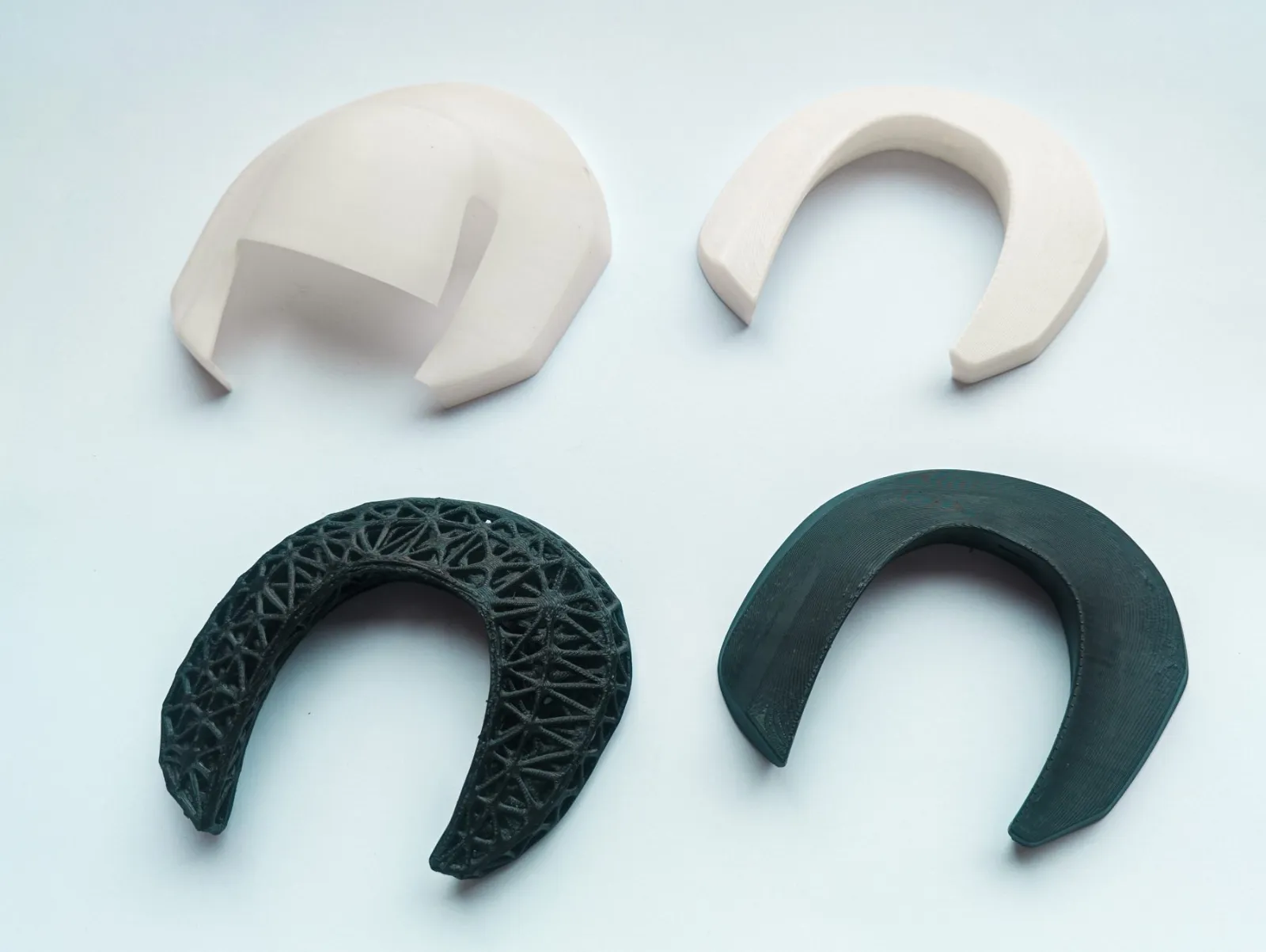
The first version worked, but it was chunky and the swap was fiddly, so I rebuilt the internals on a slimmer base, reshaped both tops and made the grip snap on with magnets.
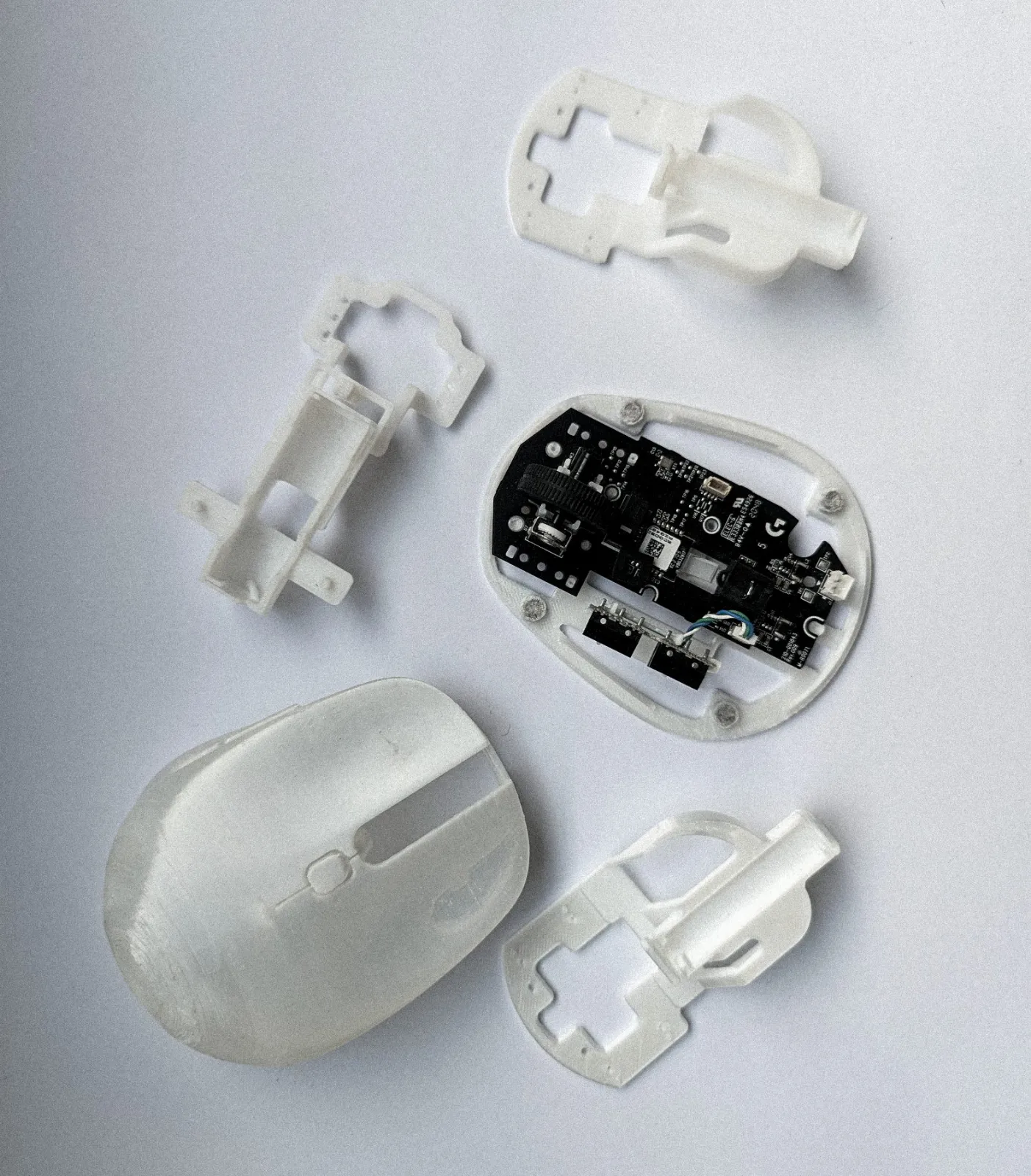
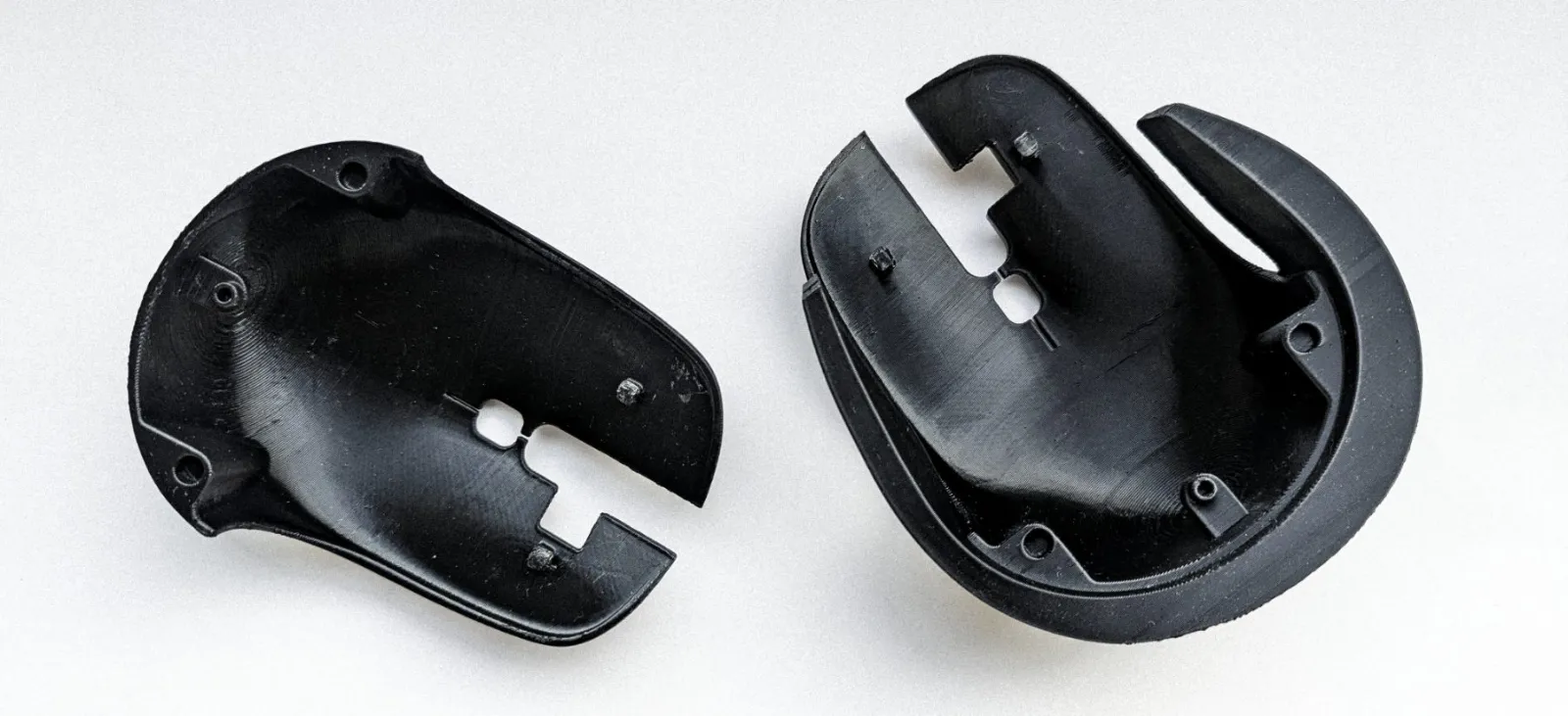
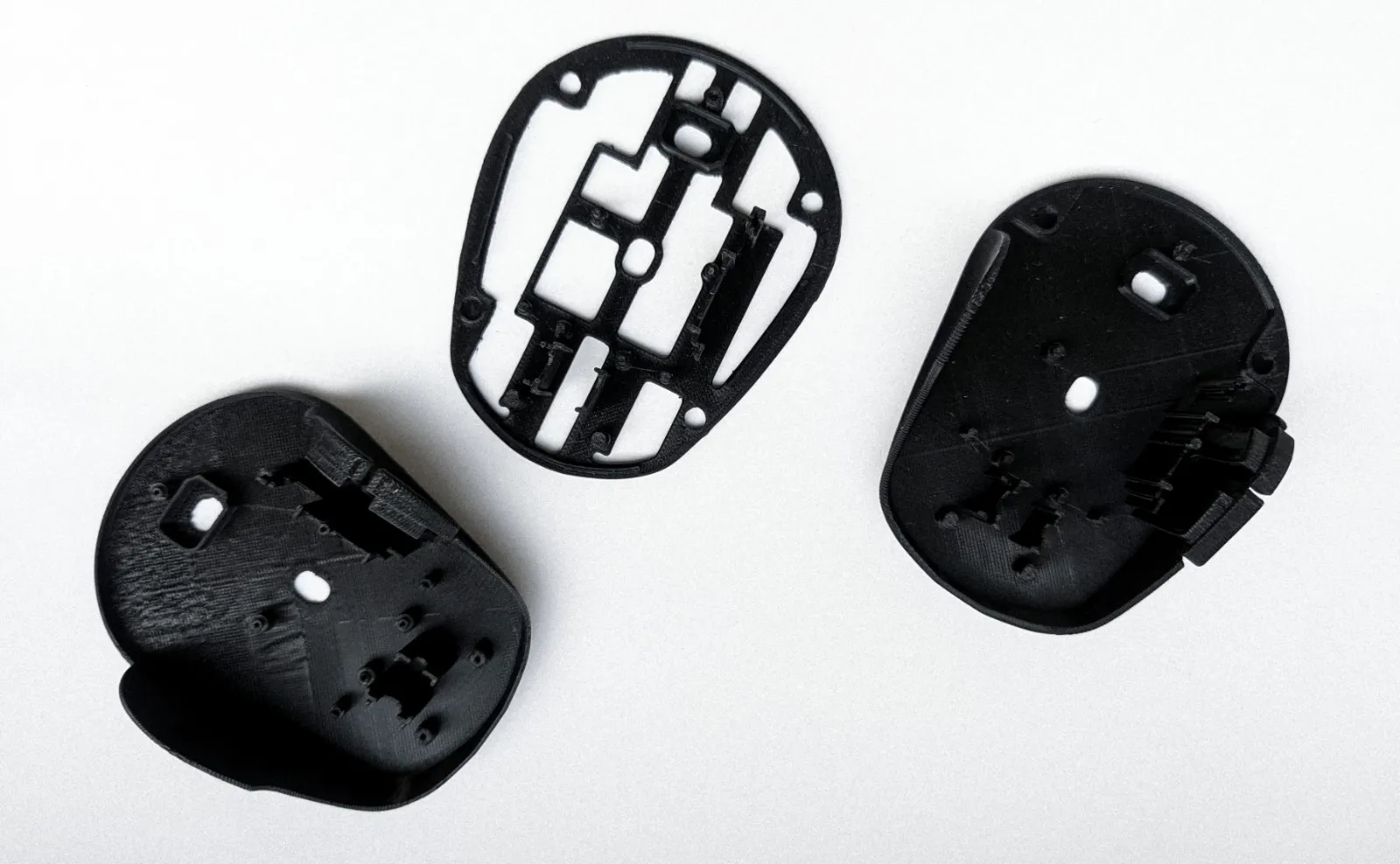
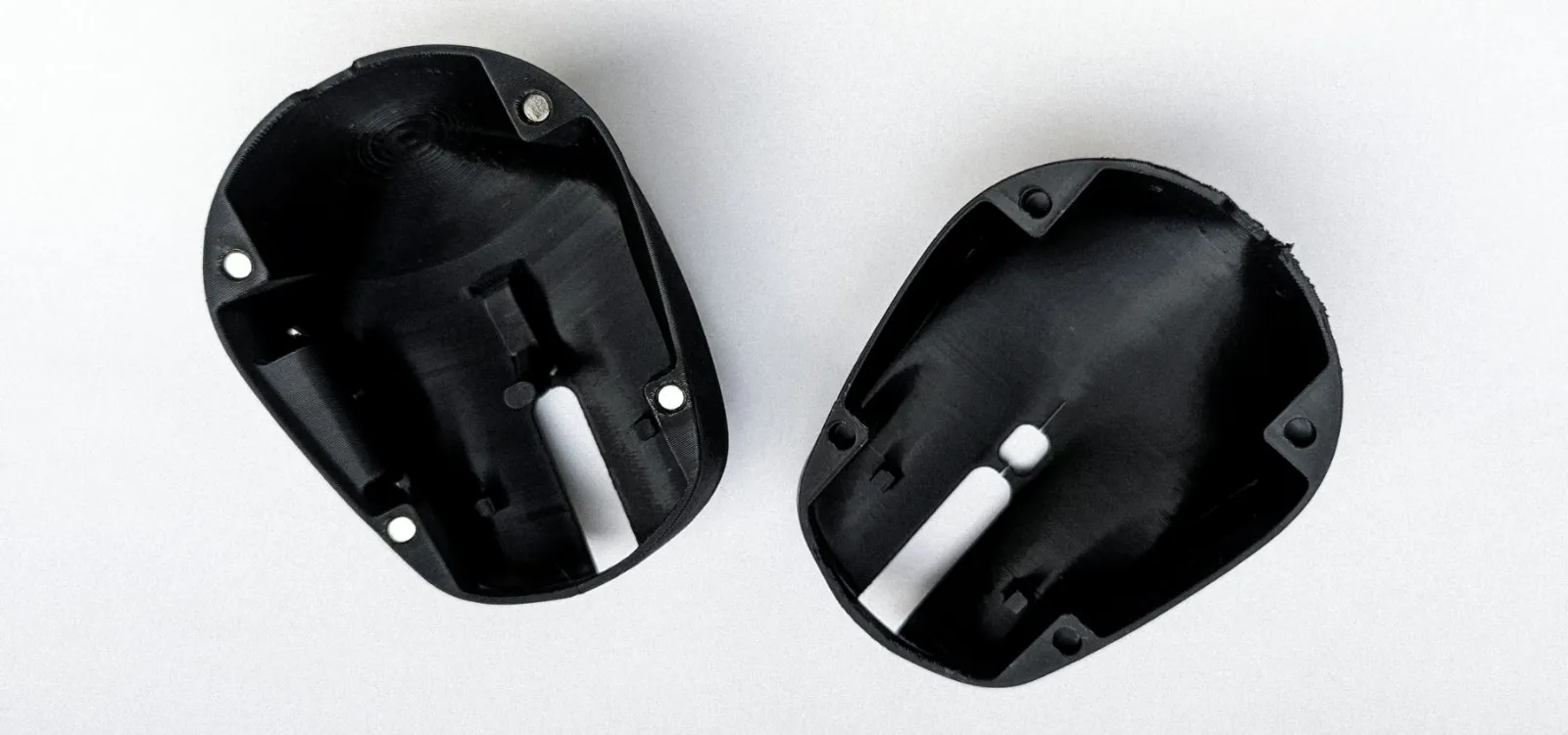
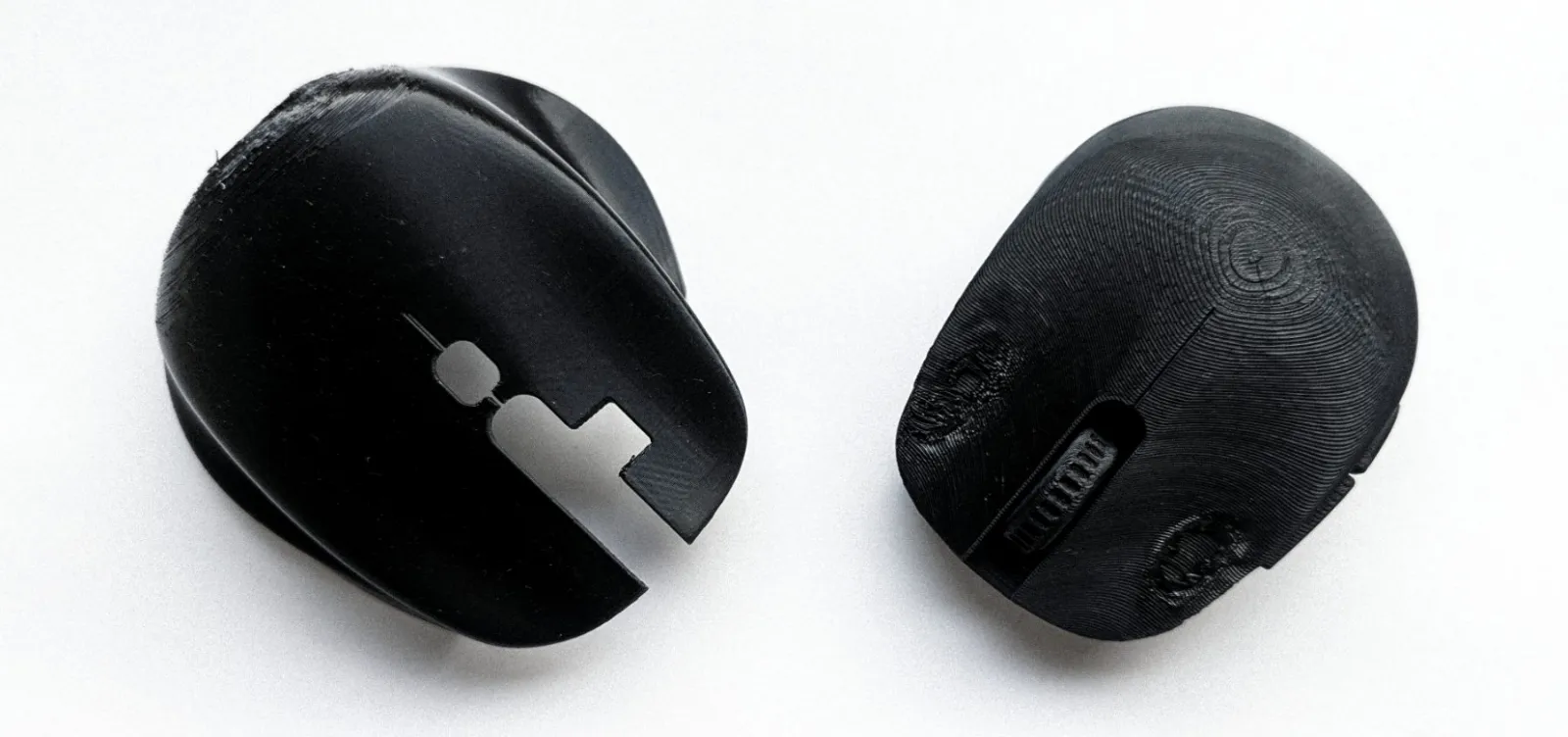
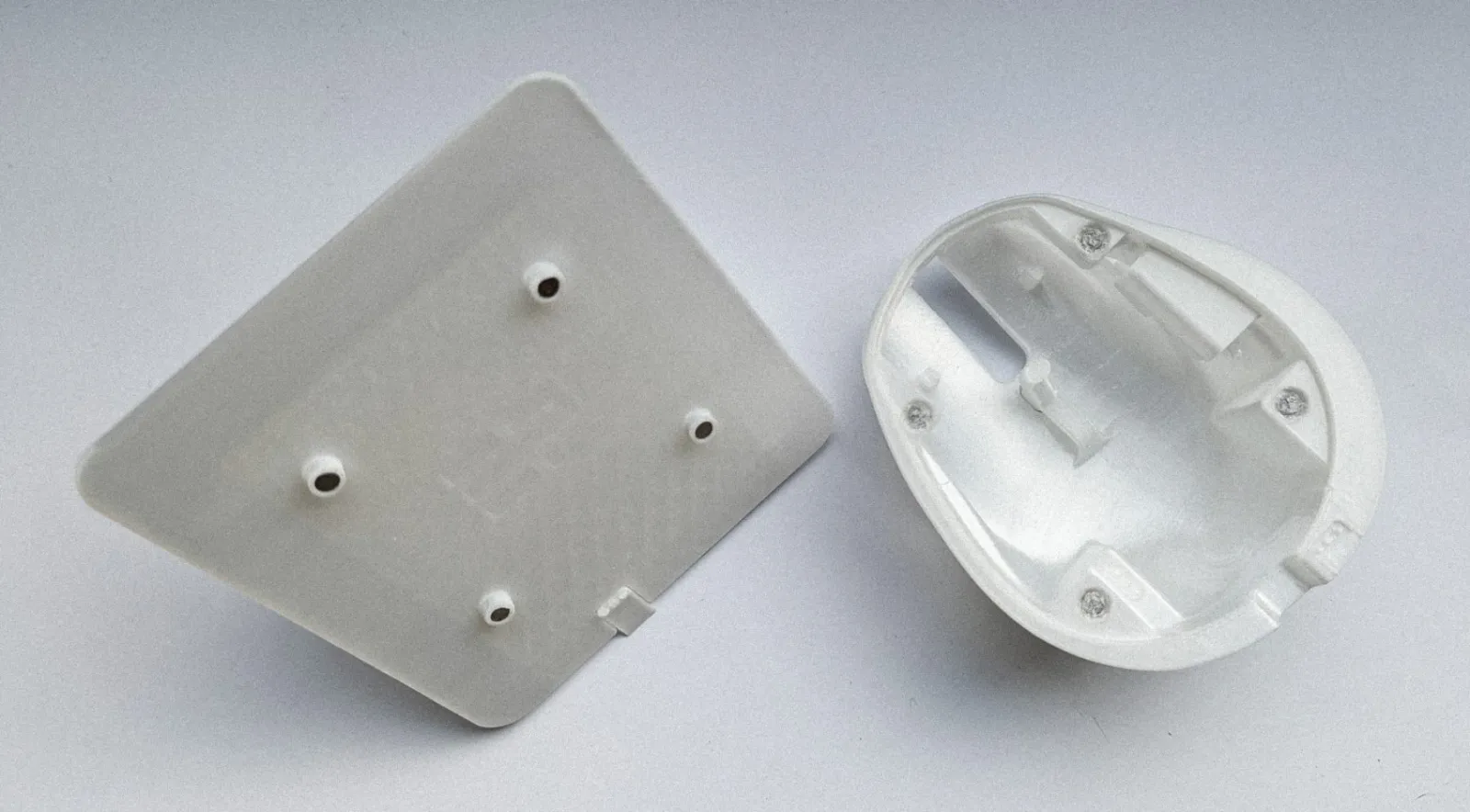
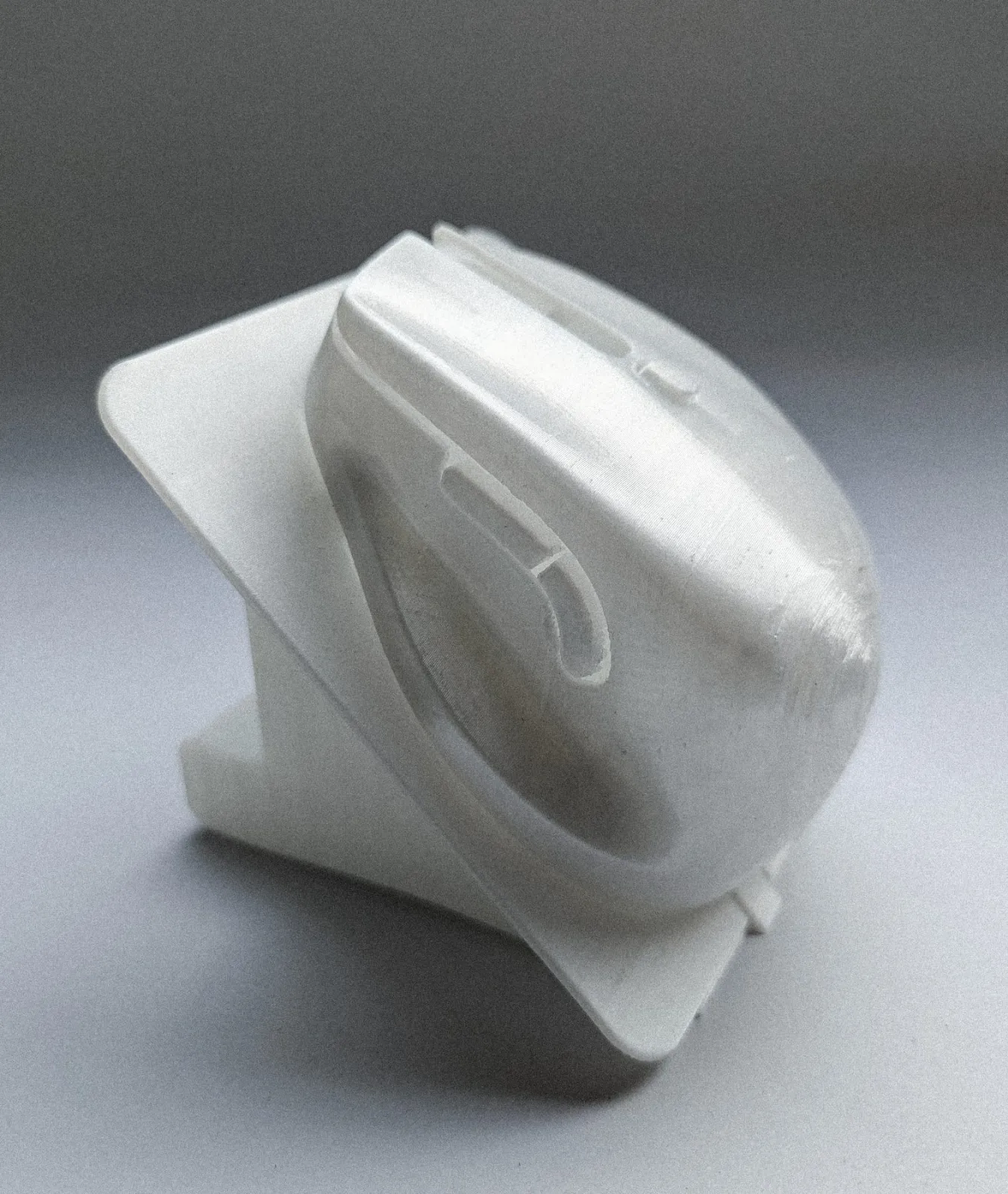
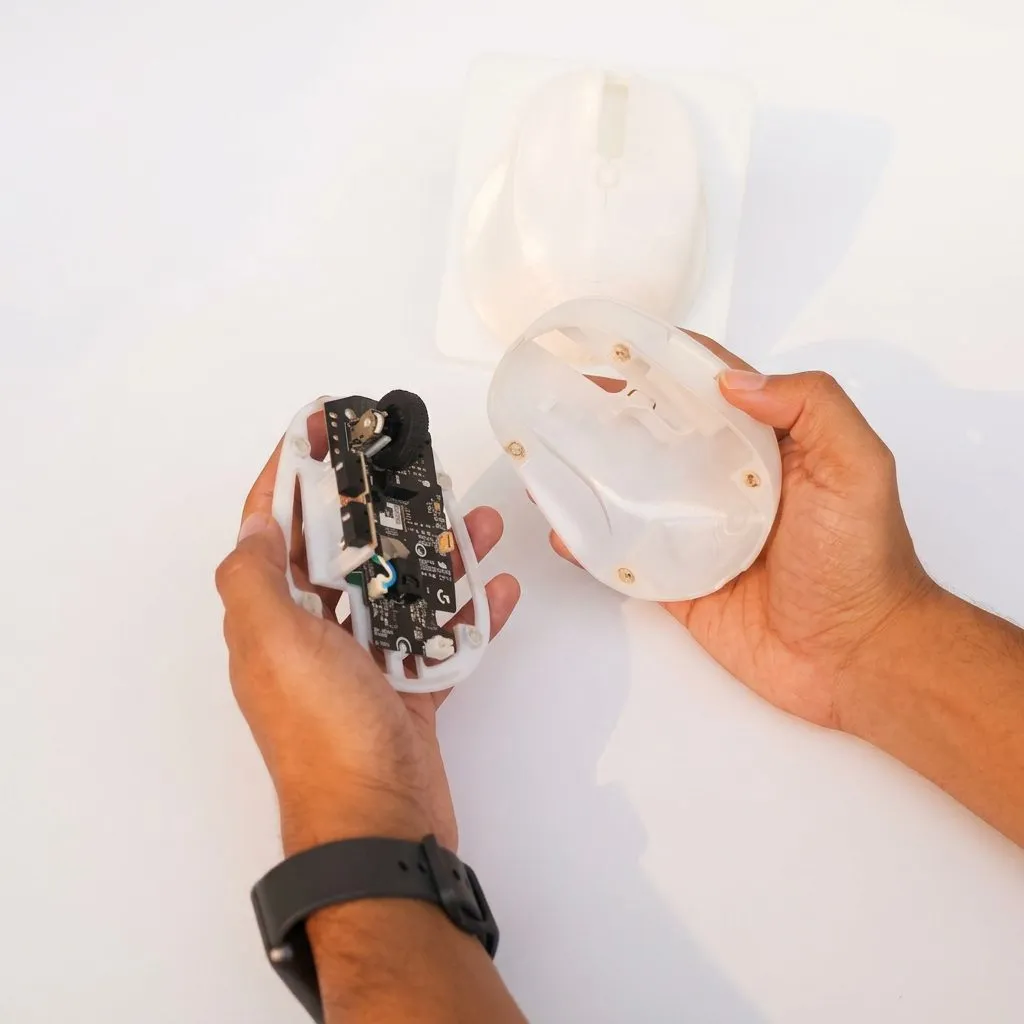
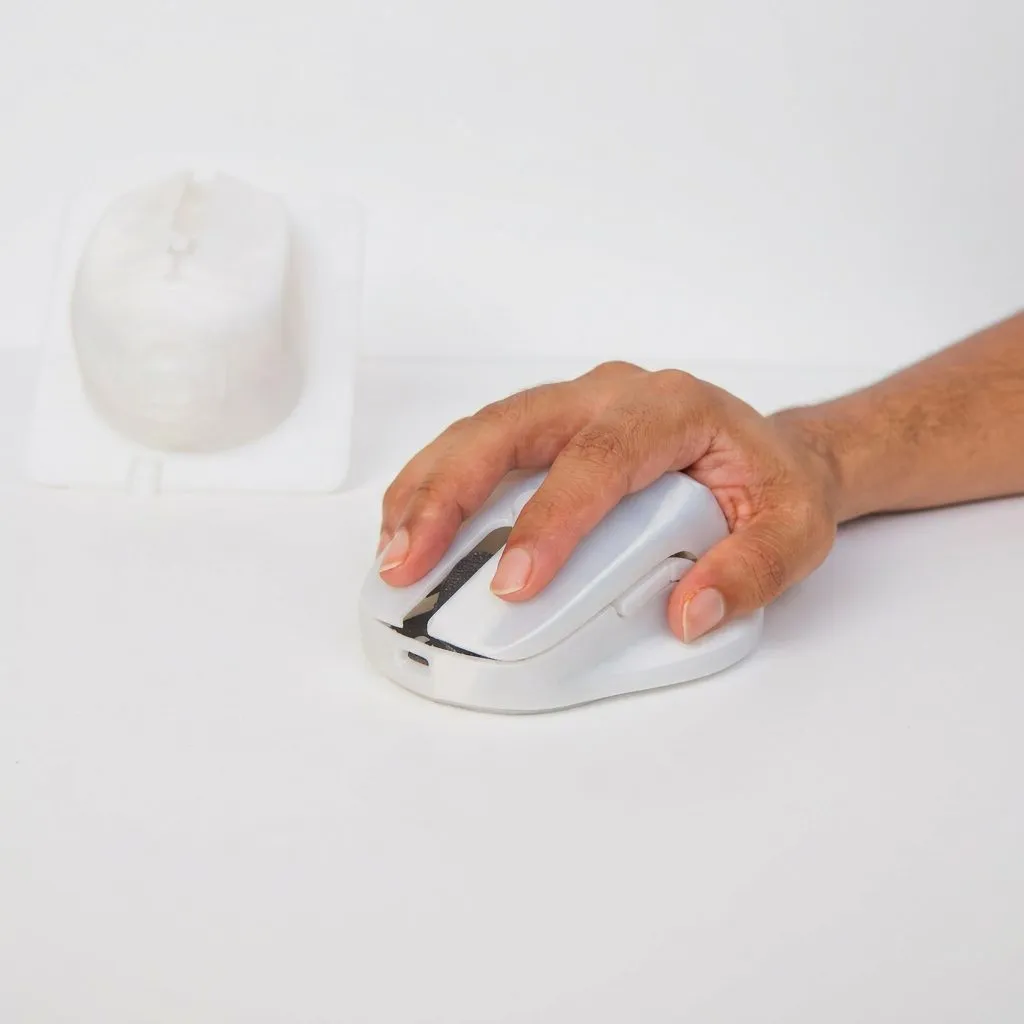
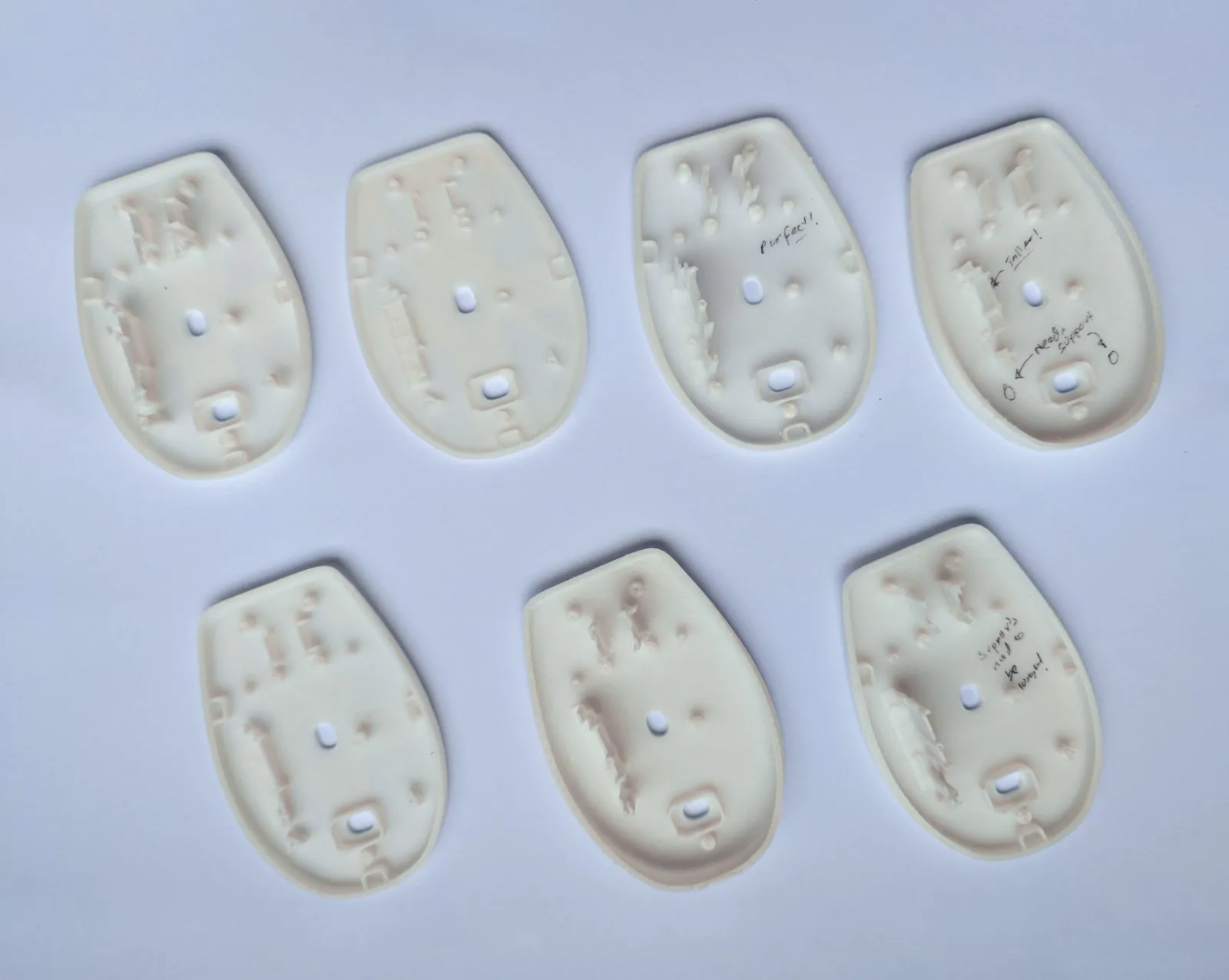
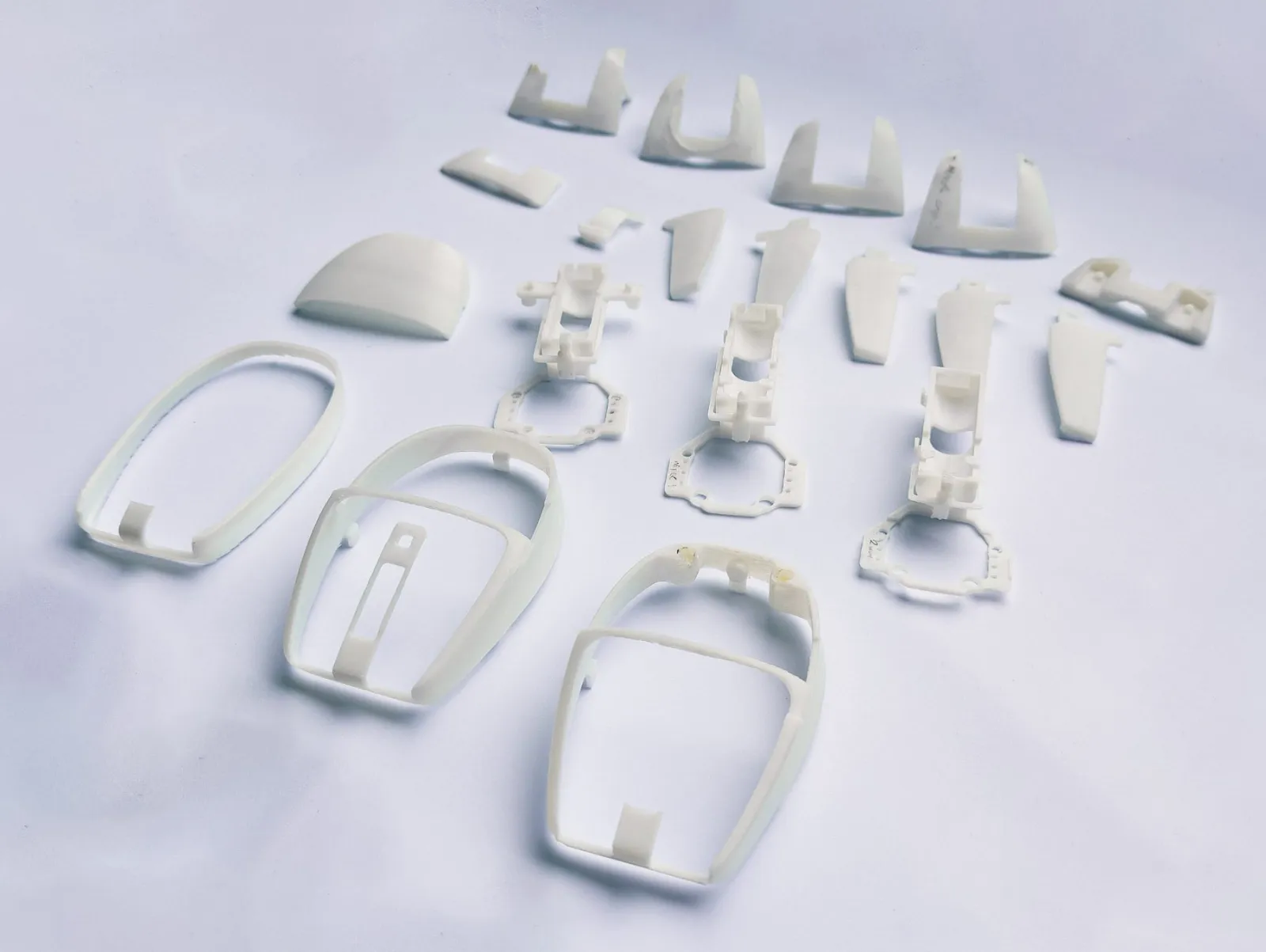
Nearly every part of it comes off my printer. The only pieces I did not make are the internals of a Logitech G304.
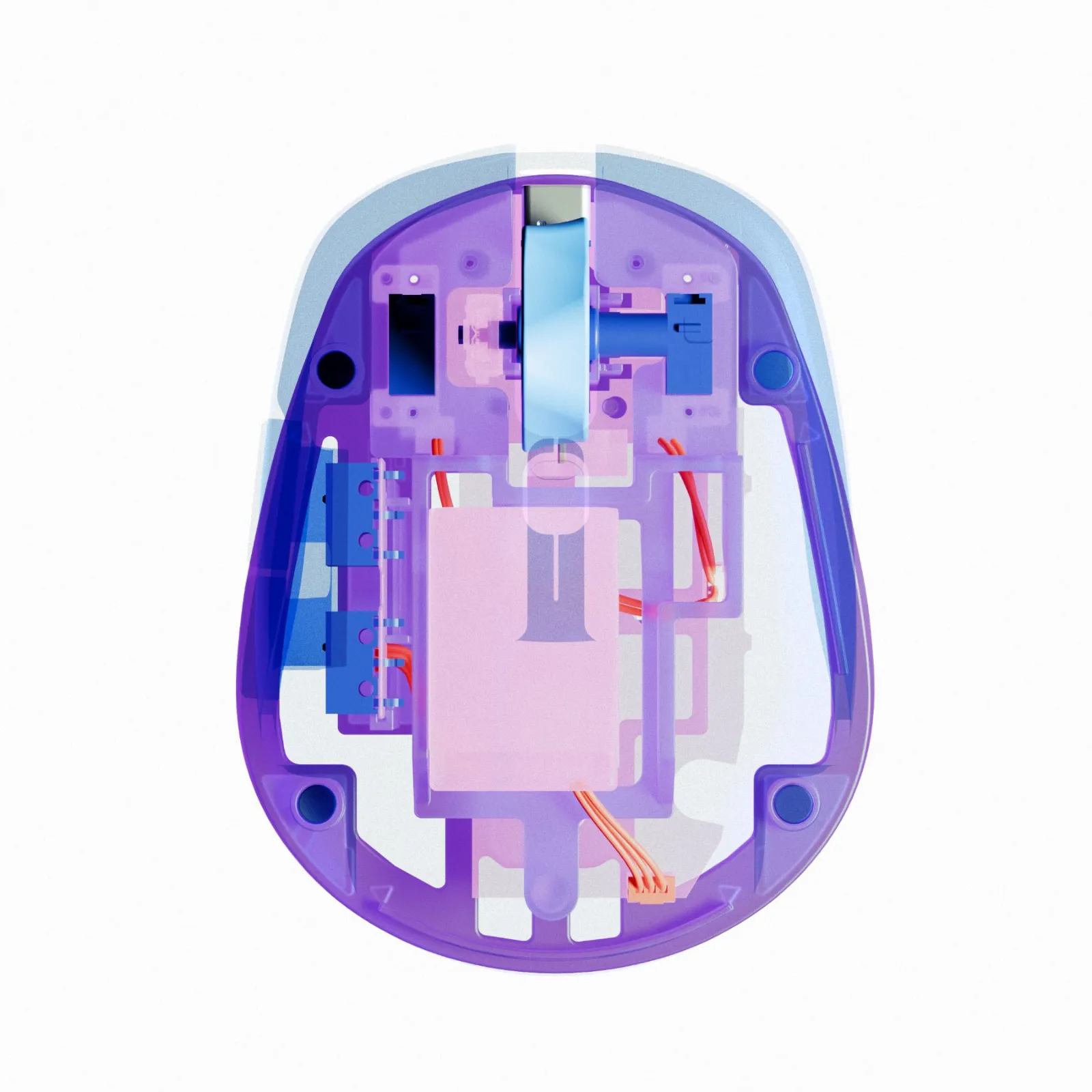
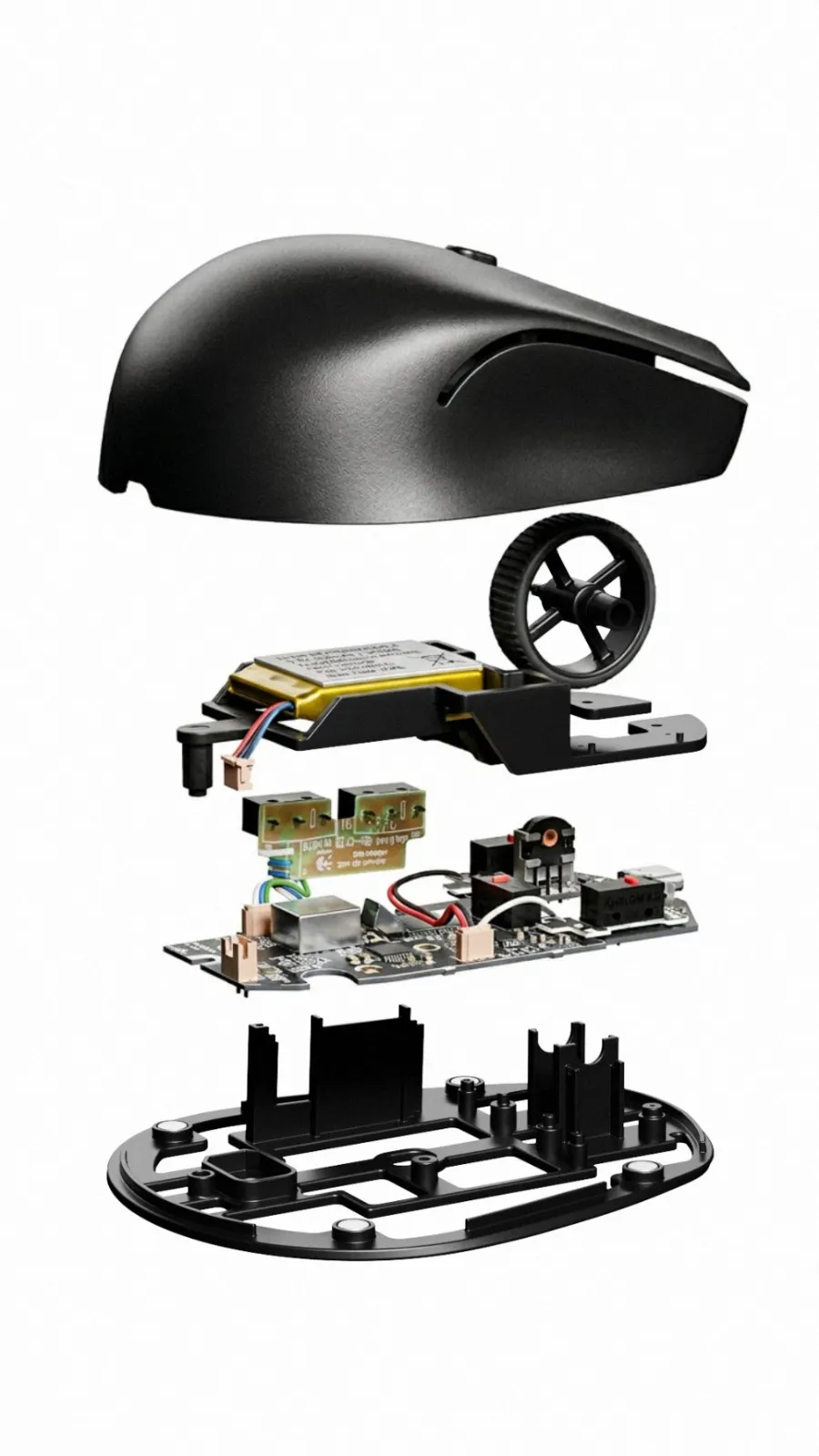
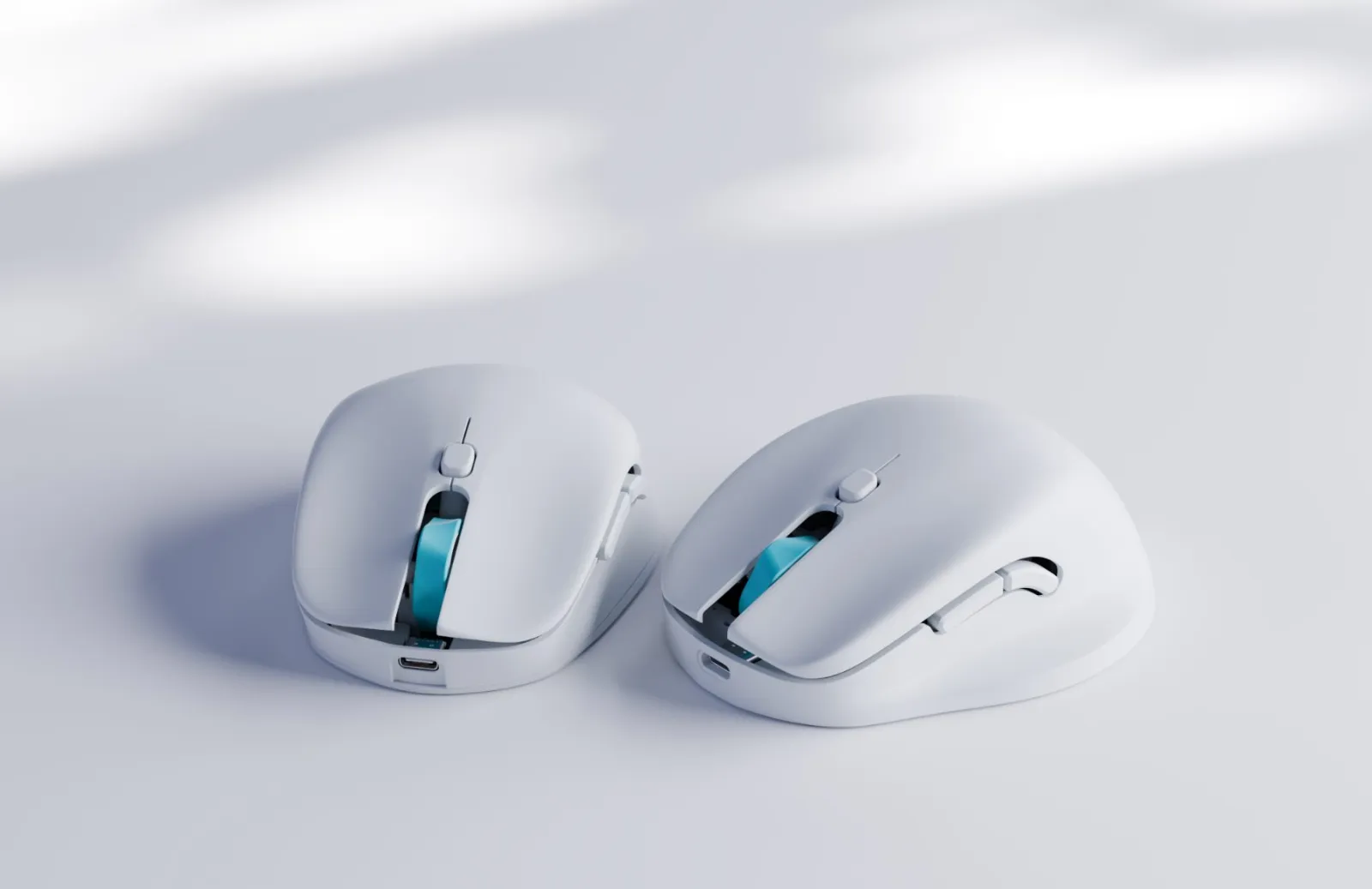
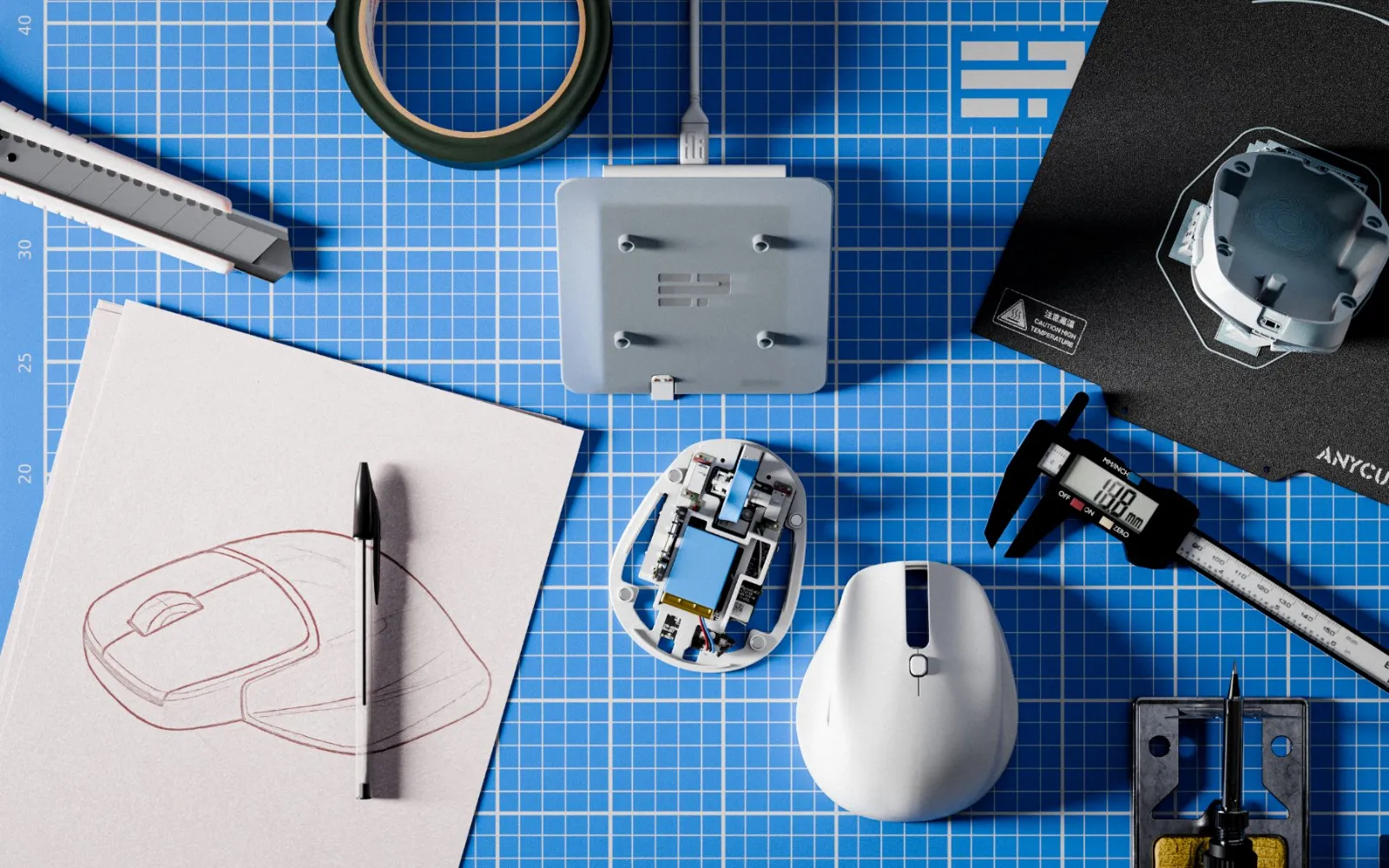
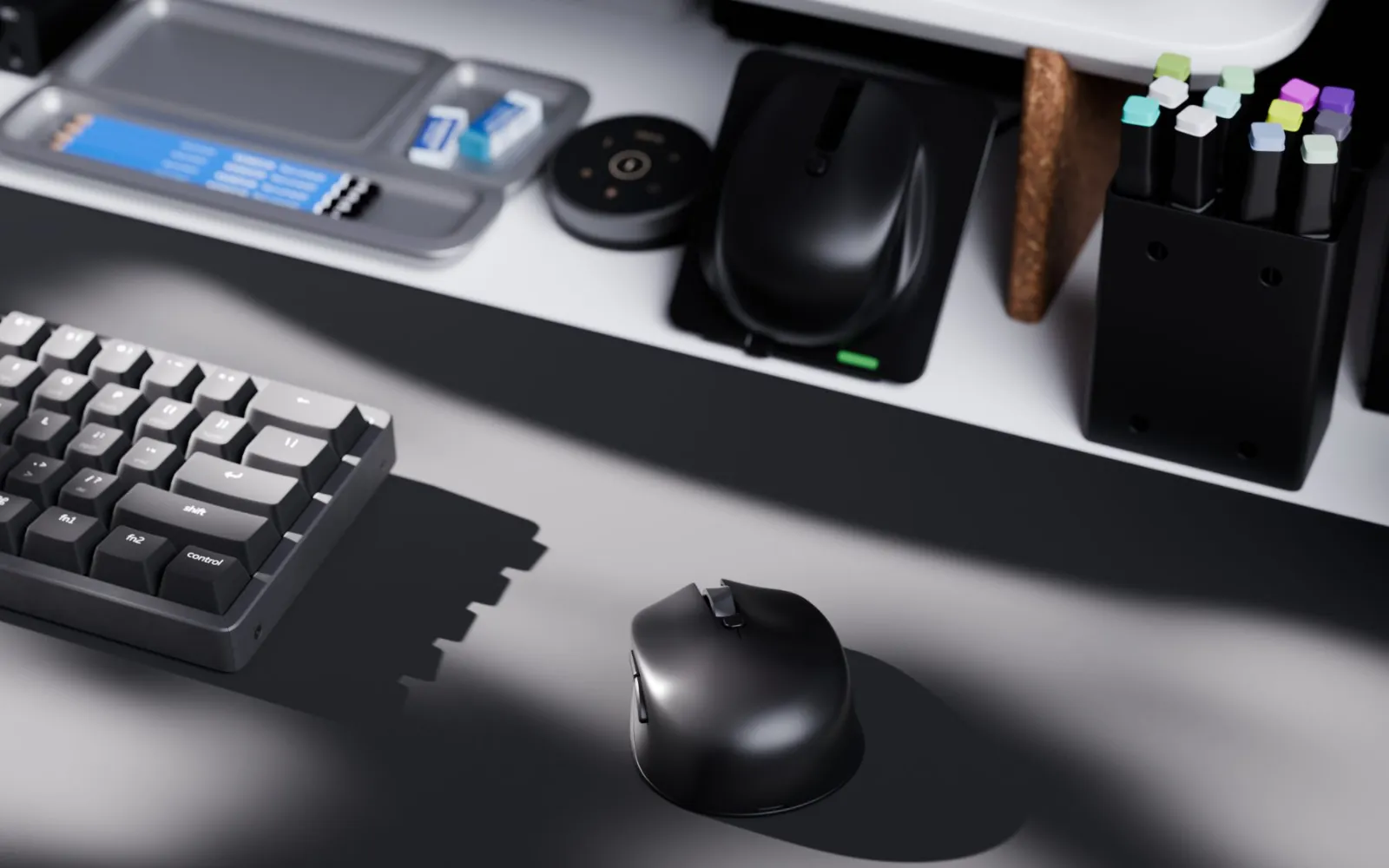
This started with a question I kept coming back to, about whether I really needed one mouse for playing and a second one for working. Ergoplay is my answer to it.
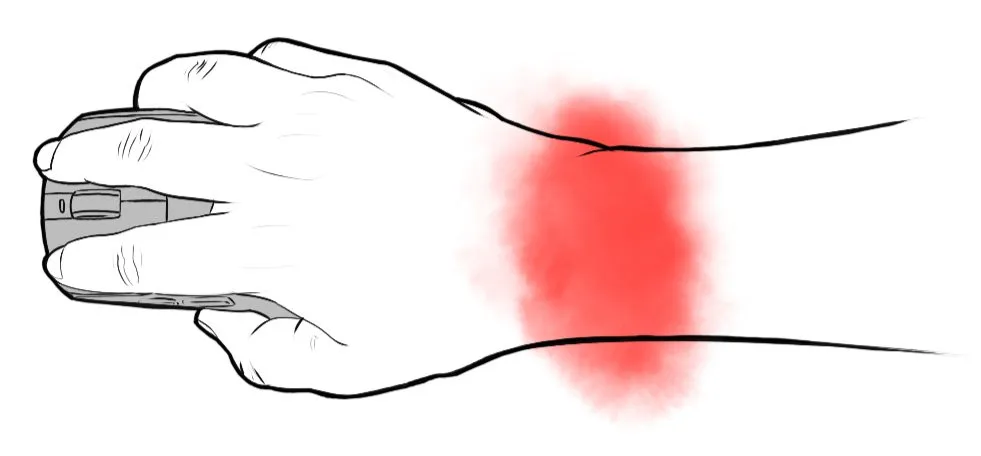
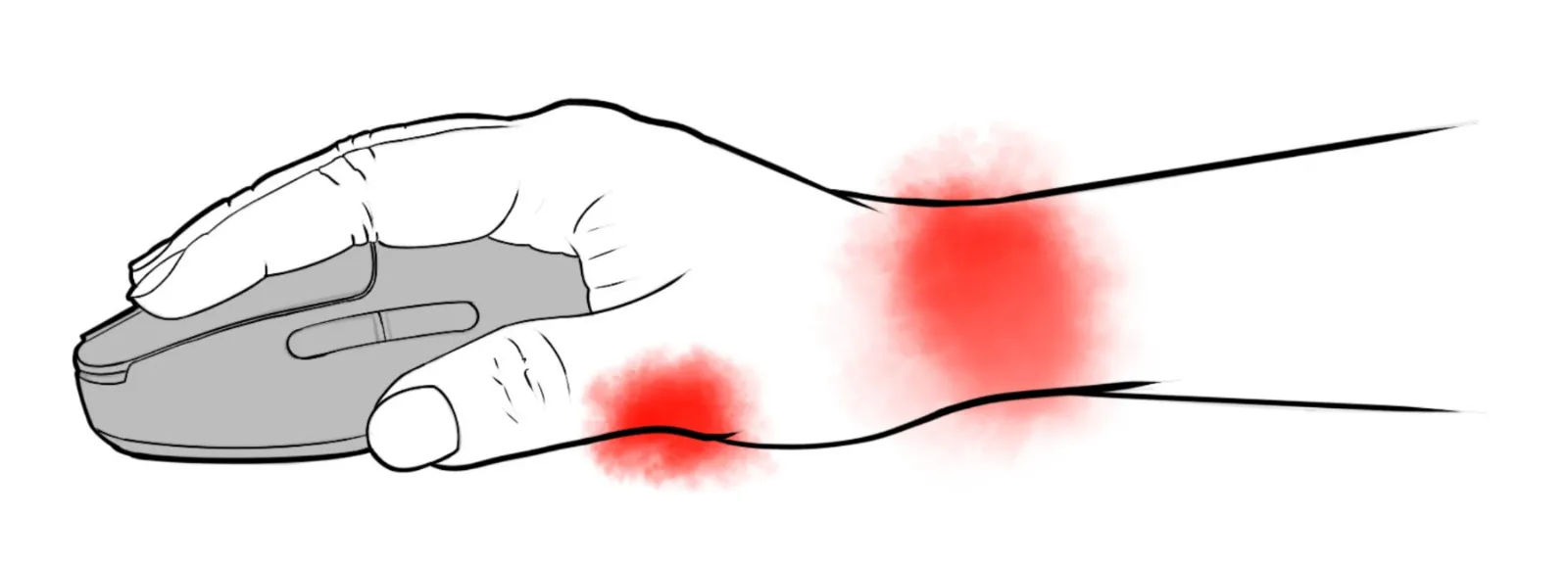
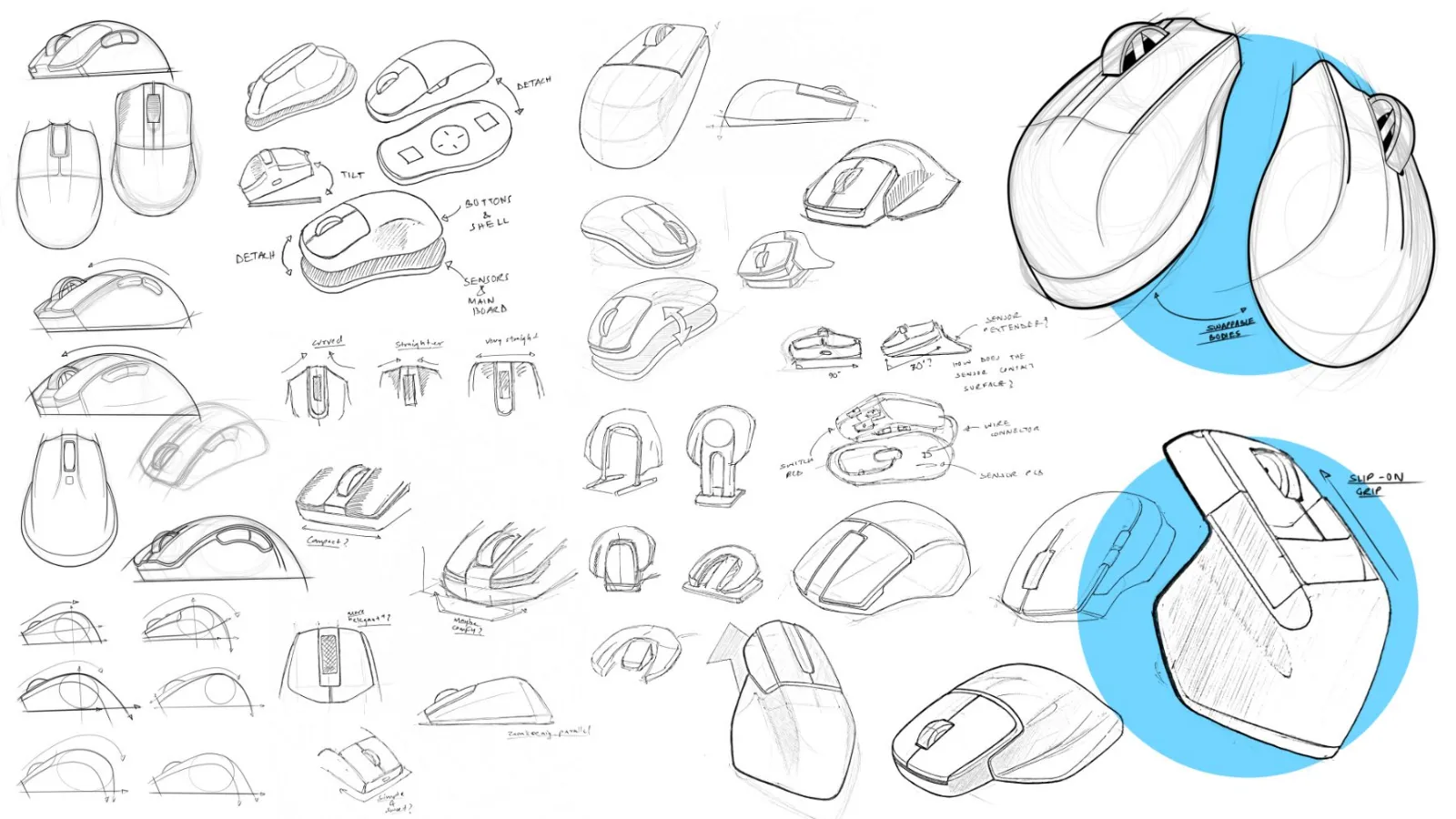
Like a lot of people, I have used a gaming mouse as my only mouse for years, for FPS games and for everything else. After a while my wrist started to complain, especially on the long days. Friends who don't game were using ergonomic mice for work, and I kept wondering why I had to pick one or the other. Buying two expensive mice and keeping two sets of batteries charged never made sense to me, so I started drawing.
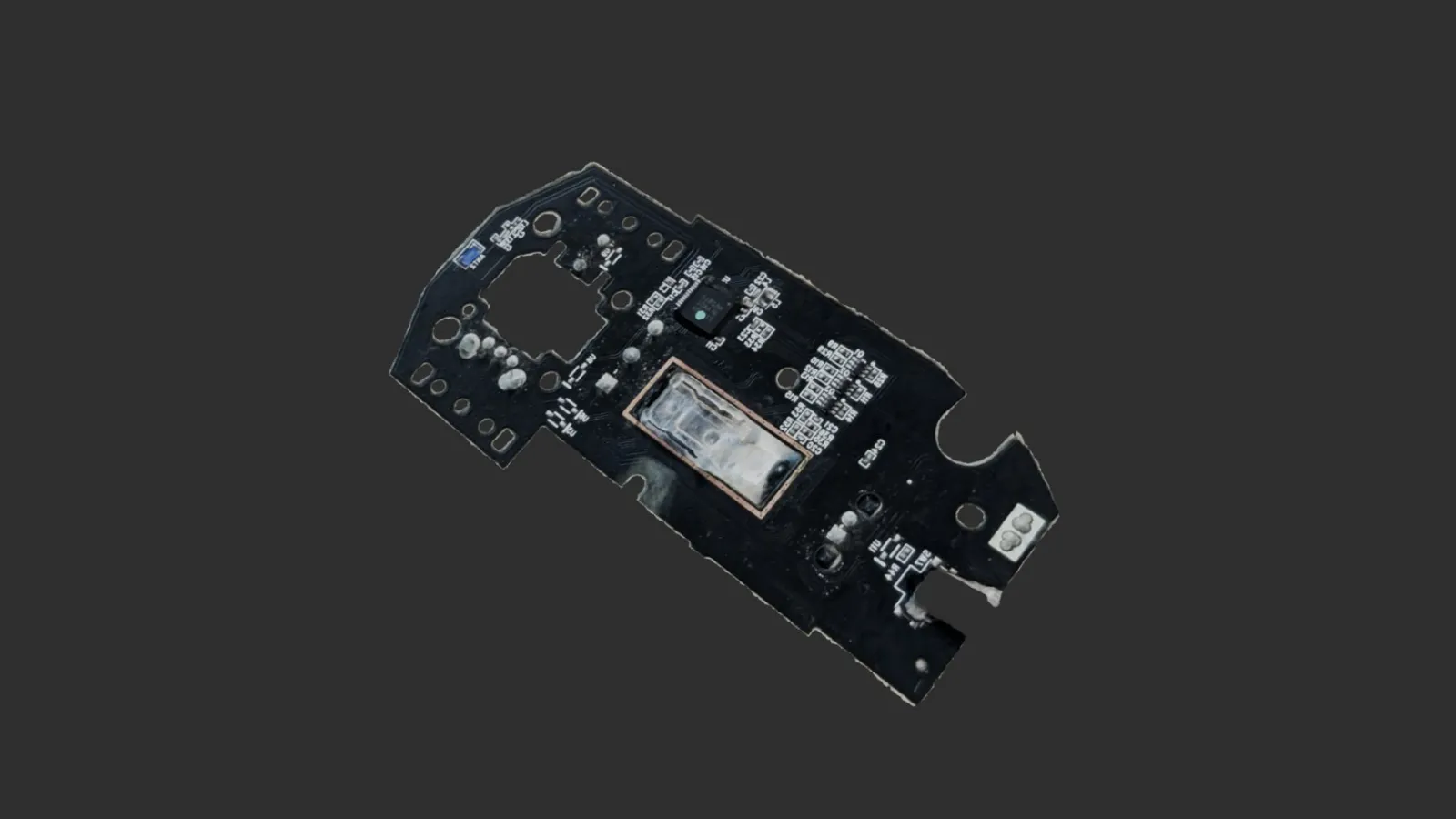
This is a personal project, so I wanted to see how far I could get with the printer on my desk. The internals come from a Logitech G304, which I already trusted, and everything around them is printed. What came out of it is a prototype that actually works rather than a shape to look at.
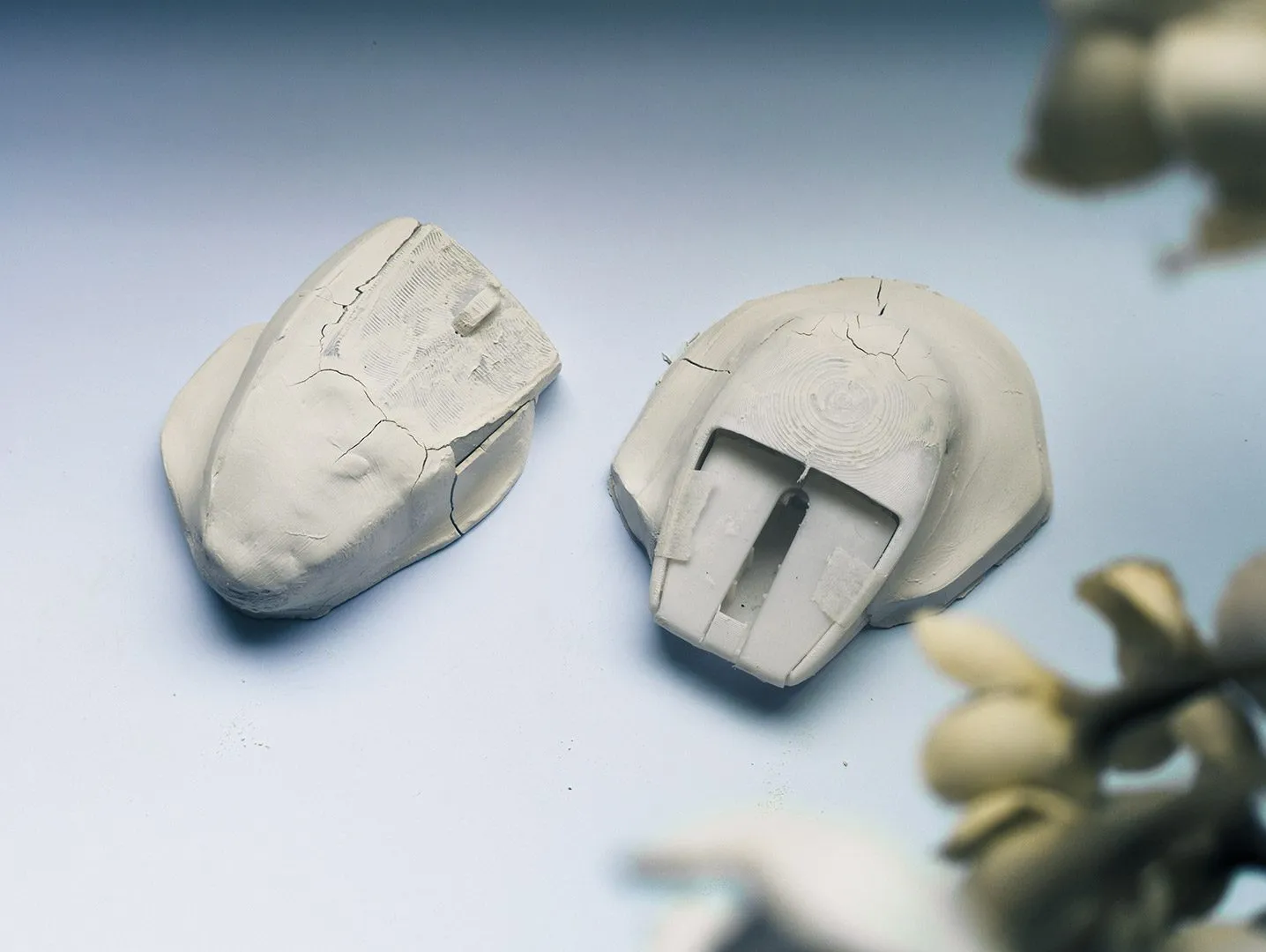
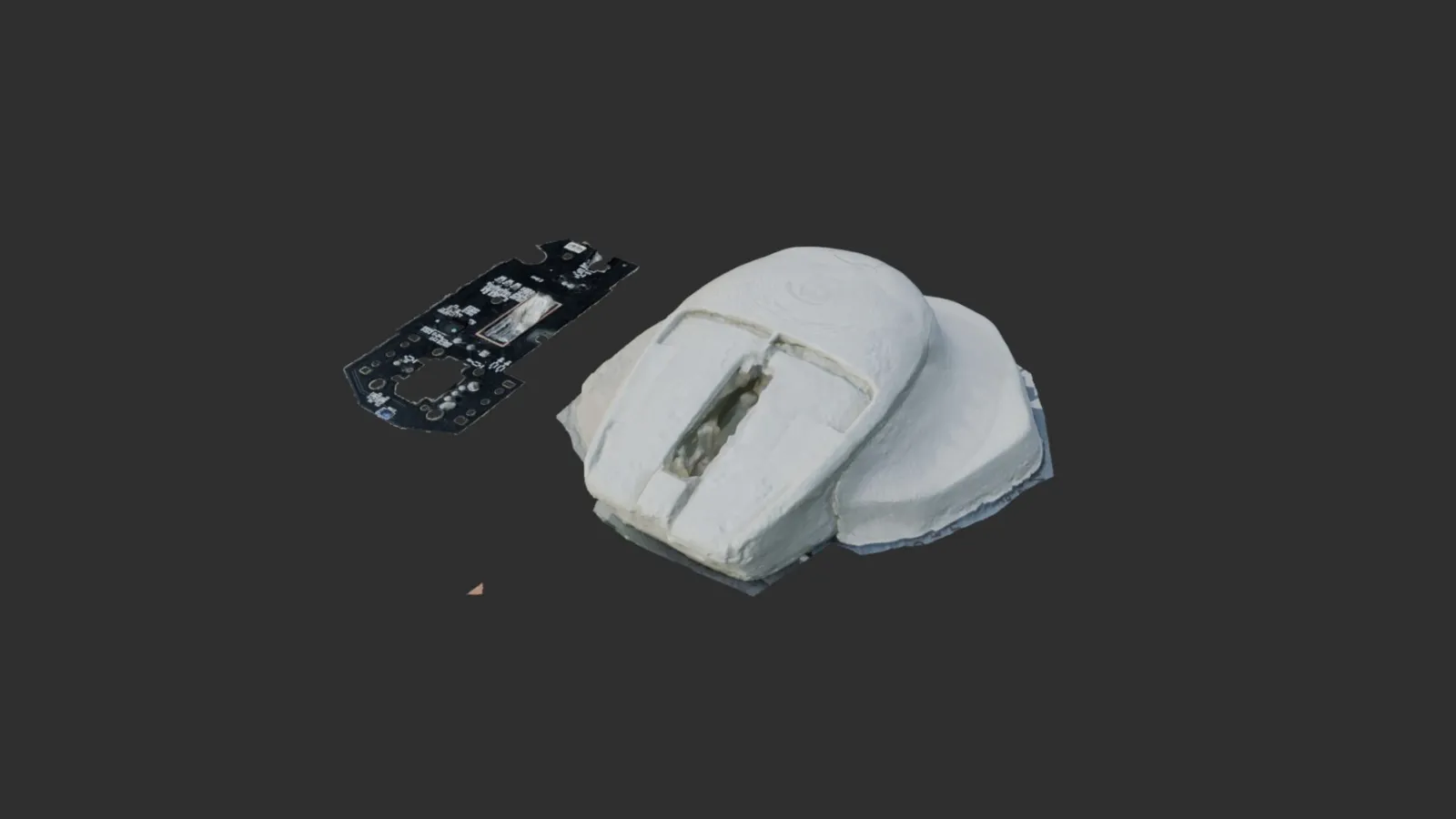
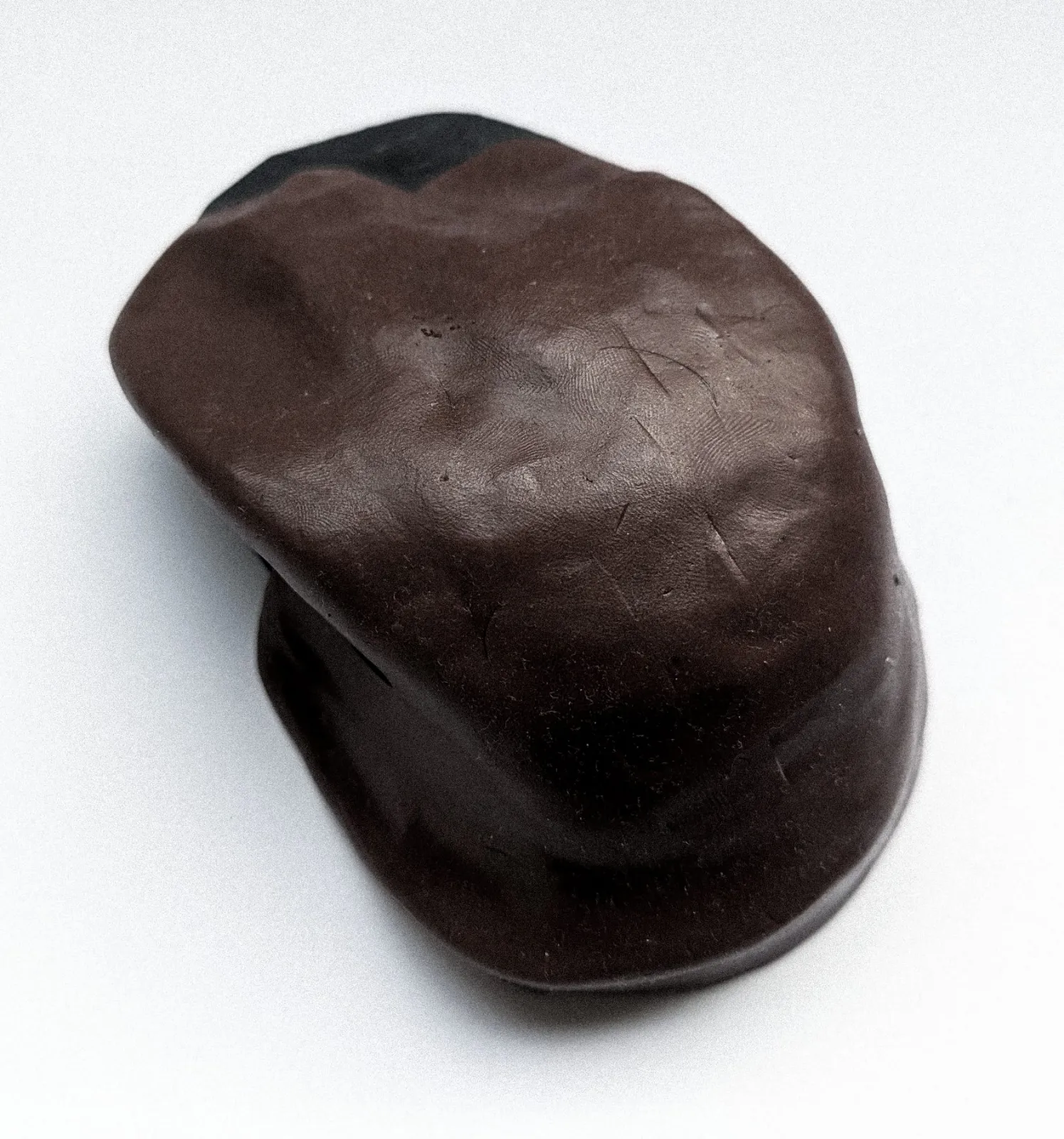
I took two directions forward and checked both as clay models and photogrammetry scans against the real PCB. The first working version did what I asked of it, but it was rough to look at and to hold. The way you use it was right, though. Swapping modes was quick, and the ergo grip passed charge from the dock into the battery, so the mouse never had to leave the desk to charge.
In the second round I started again with the gaming shape and the internals, since everything else sits on top of them. The base and the top are separate parts held together with magnets. Once that felt right I moved on to the ergonomic shape, then kept going back and forth between the two tops and the base until the swap became one clean movement.